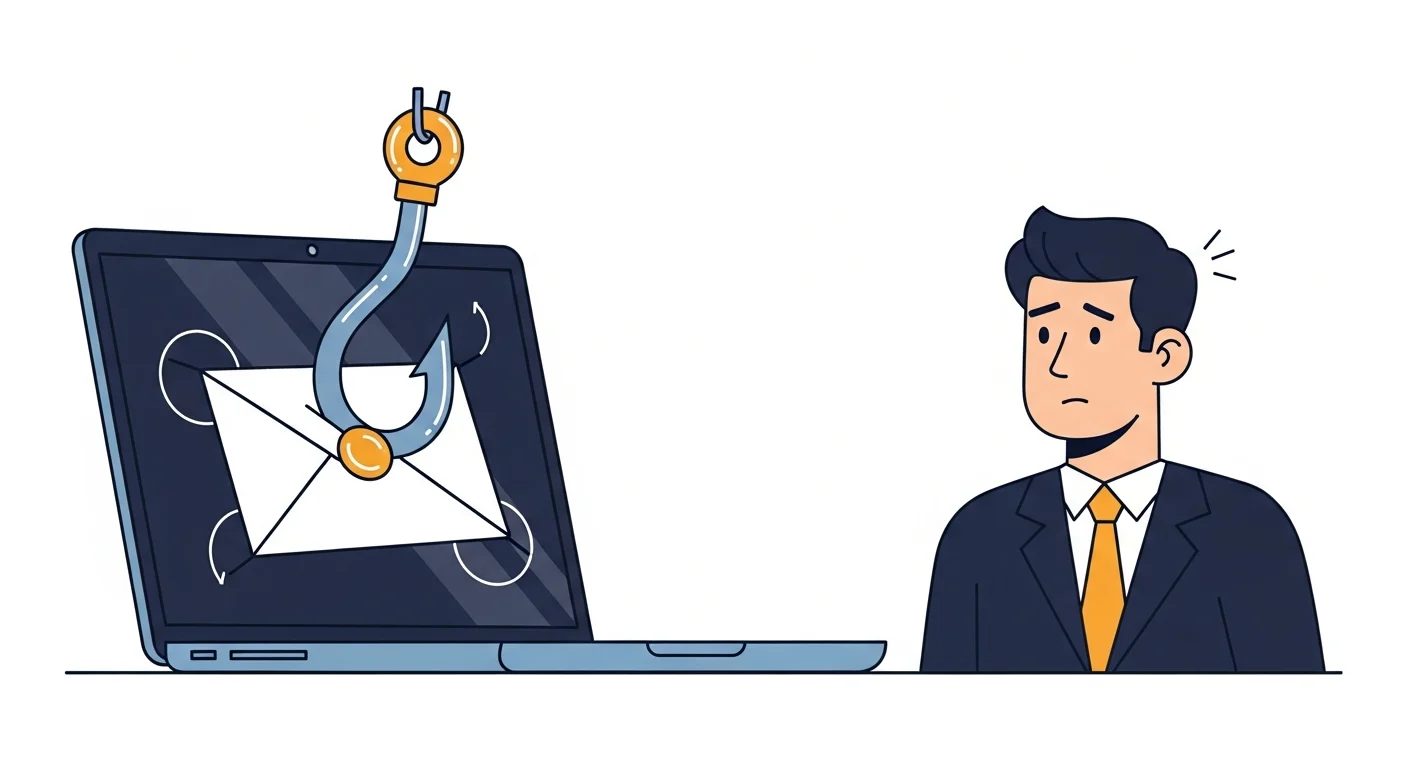
Phishing emails used to be easy to spot. Bad grammar. A Nigerian prince. Comic Sans.
Those days are gone.
The phishing emails landing in business inboxes today look like real messages from real companies. They use your name. They reference your actual vendors. Some of them are nearly perfect — and that’s the problem.
What phishing looks like in 2026
Here’s what we’re seeing hit local inboxes right now:
- Fake invoice emails from “vendors” you actually use — with PDF attachments that install malware
- Microsoft 365 login pages that look identical to the real thing — designed to steal your password
- “Urgent” messages from the boss asking someone in accounting to send a wire transfer or buy gift cards
- Shipping notifications from Canada Post or FedEx with tracking links that go somewhere very bad
- Calendar invites with malicious links buried in the event details
They’re targeted. They’re convincing. And your spam filter catches most of them — but not all of them.
How to spot a phishing email
No single trick catches everything, but these habits catch most of it:
Check the sender’s actual email address. Not the display name — the actual address. “Canada Post” sending from notify382@cpost-delivery.xyz is not Canada Post.
Hover before you click. On a computer, hover your mouse over any link and look at the URL in the bottom corner of your browser. If it doesn’t go where you’d expect, don’t click it.
Watch for urgency. “Your account will be locked in 24 hours.” “Immediate action required.” “Reply ASAP.” Legitimate companies rarely pressure you like that. Scammers always do.
Be suspicious of attachments you didn’t ask for. Especially PDFs, ZIP files, or anything from someone you weren’t expecting to hear from. When in doubt, call the sender directly — using a phone number you already have, not one from the email.
Check for small mistakes. The email might be 95% perfect, but there’s often a subtle tell — a slightly wrong domain, a missing logo, a greeting that says “Dear Customer” instead of your name.
What to do when someone clicks
It happens. Even to careful people. Here’s what to do:
- Don’t panic. But don’t ignore it either.
- Disconnect the computer from the network — unplug the ethernet cable or turn off Wi-Fi. This limits the damage.
- Change passwords immediately — especially if they entered credentials on a fake login page. Do this from a different device.
- Tell your IT person. The sooner we know, the faster we can contain it. No one’s going to get in trouble for reporting it — the trouble comes from not reporting it.
- Don’t delete the email. We may need it to understand what happened and check if anyone else got the same one.
The real fix is culture, not software
Spam filters and antivirus are important — they’re part of the layered protection we build into every cybersecurity plan. But the best defence is a team that knows what to look for and isn’t afraid to say “hey, this looks weird.”
Make it normal to question suspicious emails. Make it safe to report mistakes. That one habit prevents more breaches than any piece of software.
If you want help training your team or tightening up your email security, we can set up a quick call to talk through what makes sense for your business.