iKonyk Solutions - Providing Canadian Businesses with Dependable IT Services iKonyk Solutions - Dependable IT Services (403) 775-0500 info@ikonyk.ca

Ransomware in 2026: What Businesses Need to Know

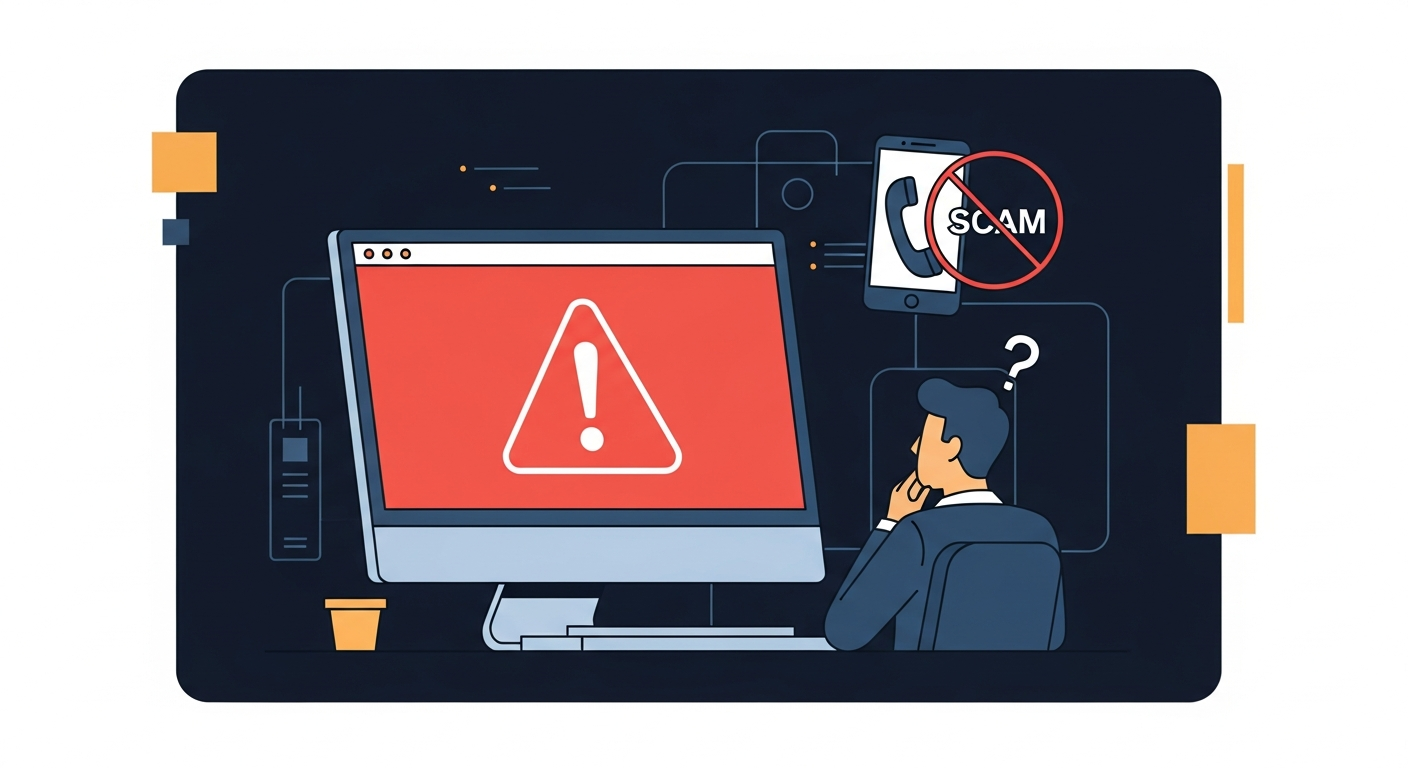
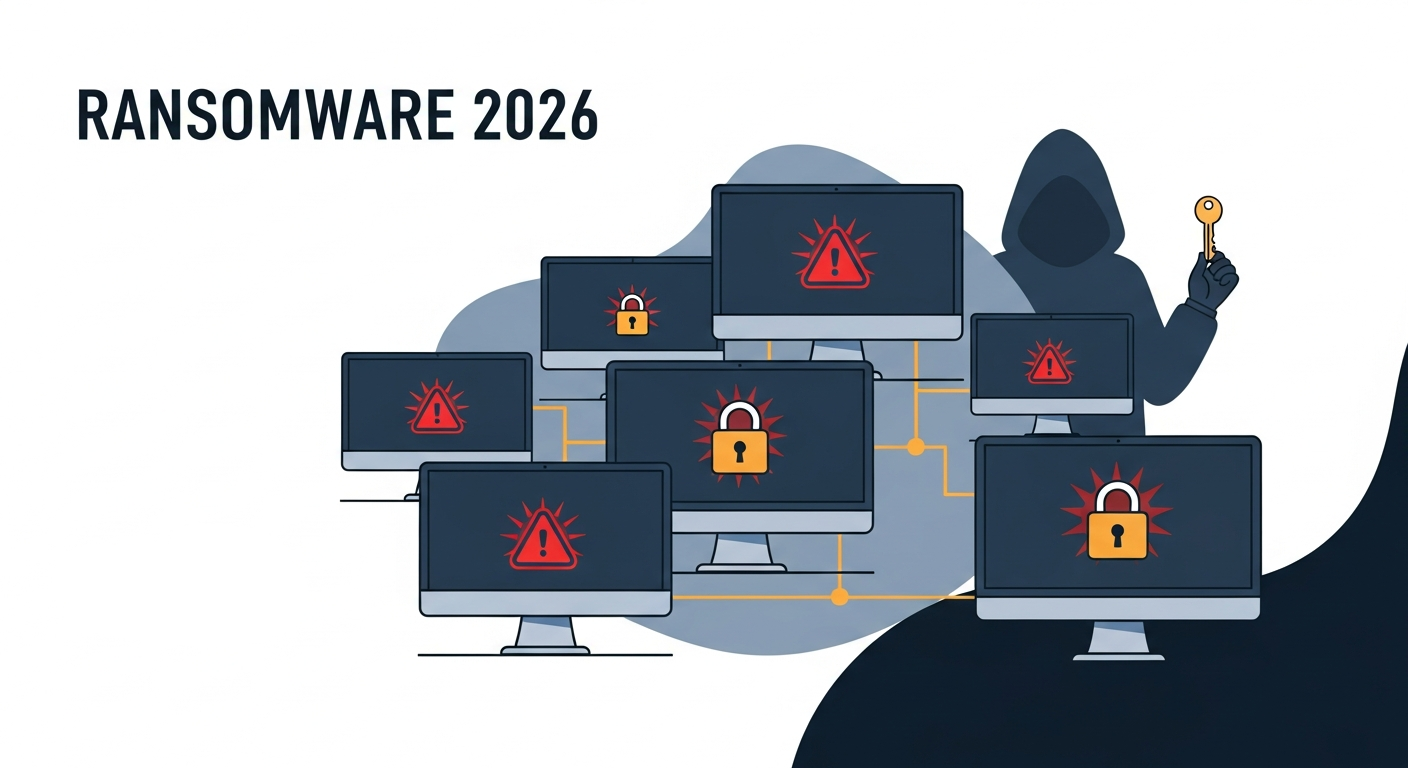
Network of office computers locked with padlocks and warning symbols illustrating a ransomware attack

Ransomware used to be something that happened to hospitals and big corporations. Companies with data worth millions. Targets big enough to make the news. That’s not the world we’re in anymore. In 2026, over two-thirds of ransomware attacks target businesses with fewer than 500 employees. Not because attackers have gotten sloppy — because they’ve gotten … Read more

OneDrive, SharePoint, or Teams — Where Should You Store Your Files?

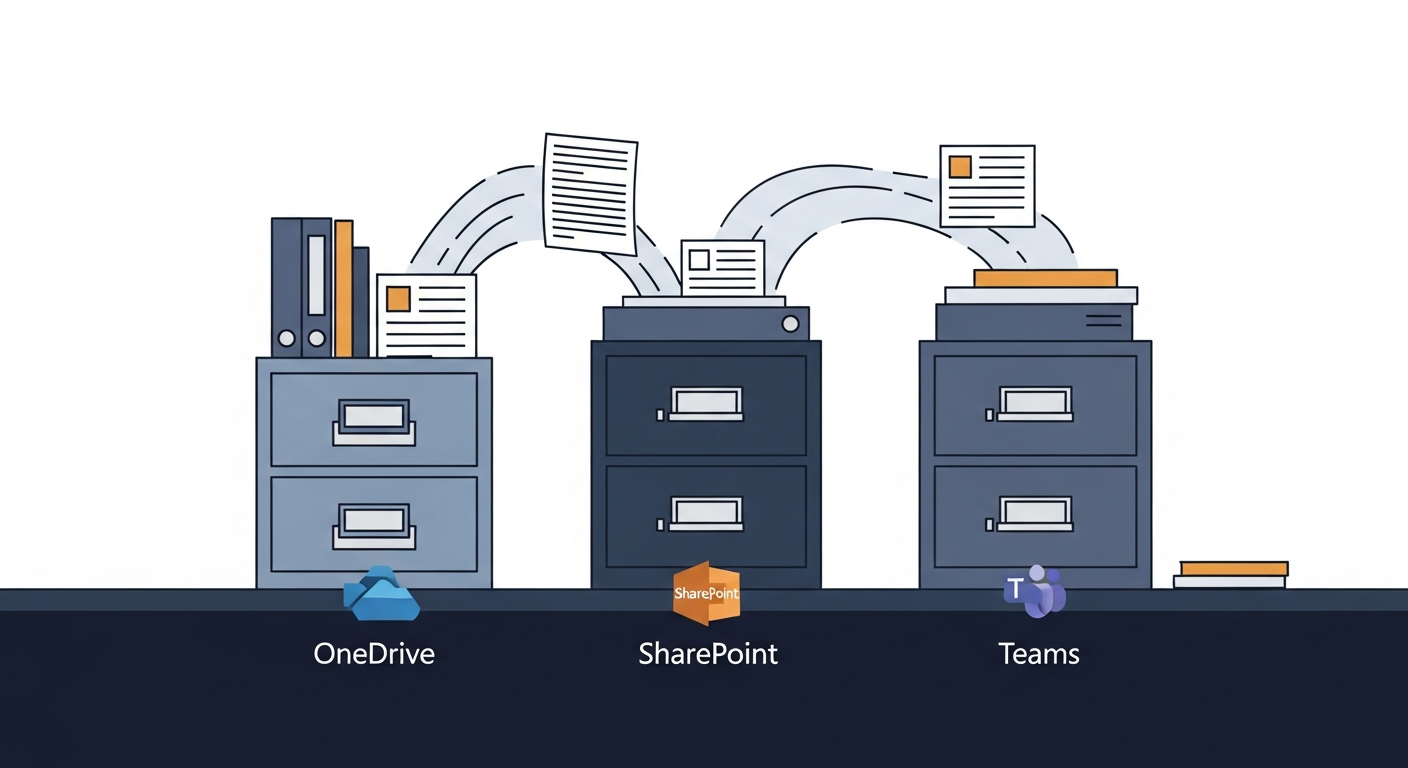
OneDrive, SharePoint, and Teams icons showing where files should live in Microsoft 365 for small business

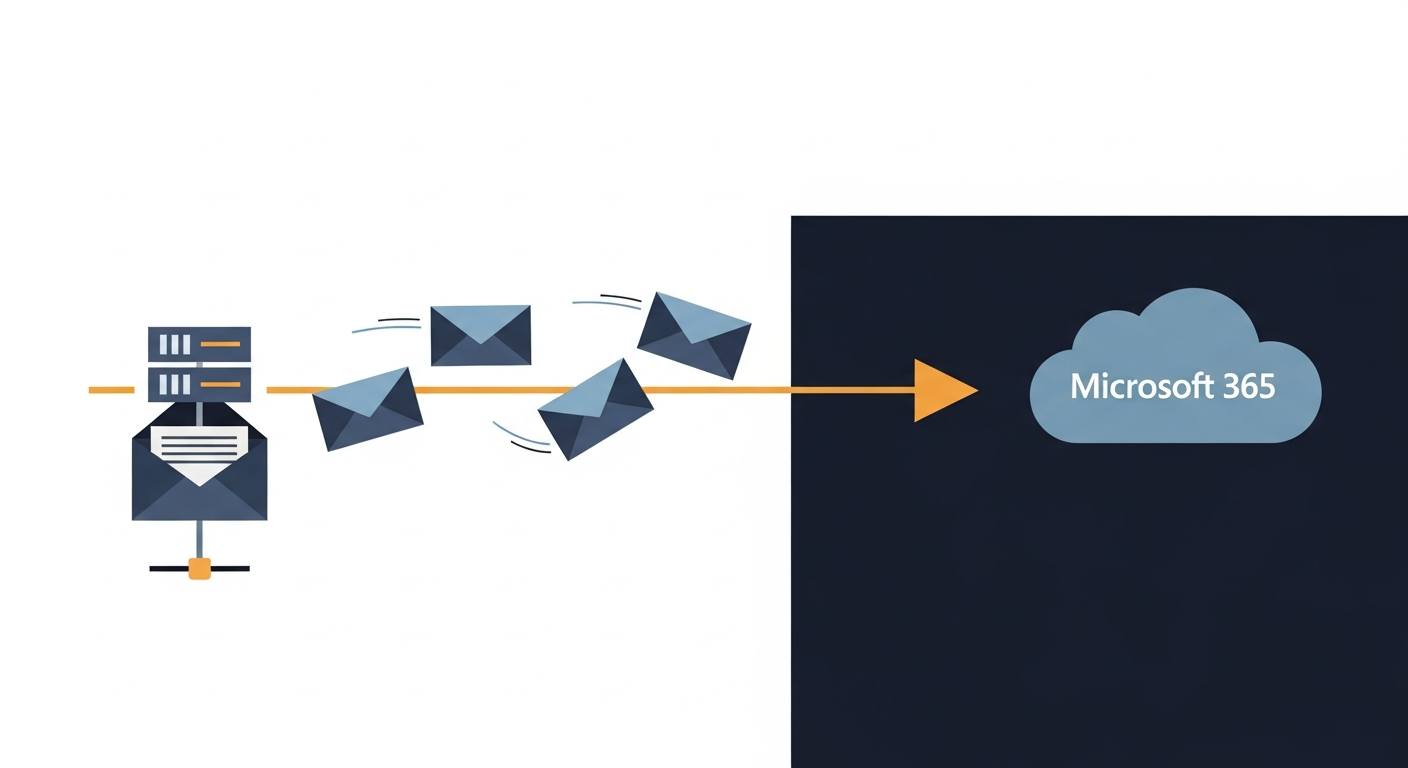
Microsoft 365 provides three places to store files and almost no guidance on which to use. The practical rule: OneDrive is your personal work drive for files only you need, SharePoint is the shared filing cabinet for anything the whole team or company needs long-term, and Teams is your active project workspace — which stores its files in SharePoint anyway. This post also covers a 2026 storage change (new OneDrive accounts capped at 150 GB) and explains why Microsoft 365 files are not automatically backed up the way most users assume.

Your Wi-Fi Is Fine — Your Network Isn’t (And Here’s Why)

Illustration showing the difference between Wi-Fi signal problems and broader business network issues

Around 25% of reported wireless issues are actually caused by something other than the Wi-Fi signal — an overloaded router, a device consuming all available bandwidth, a failing switch, an unauthorized device, or a network configuration problem. This post explains how to tell the difference between a Wi-Fi problem and a network problem, and includes a real-world example of an employee using the office ethernet connection to download large personal files, slowing the entire office to a crawl.

How to Set Up Two-Factor Authentication on Everything That Matters

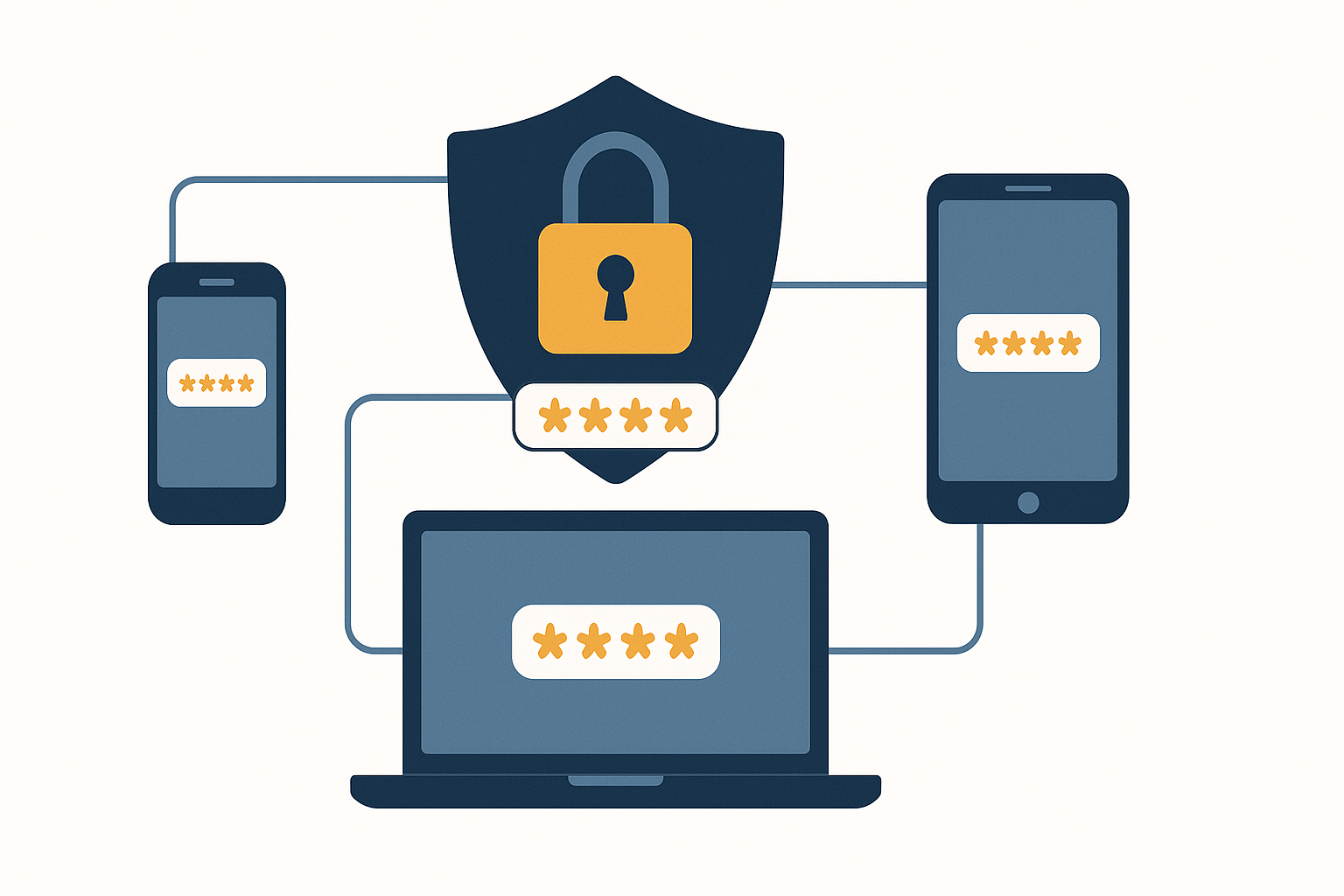
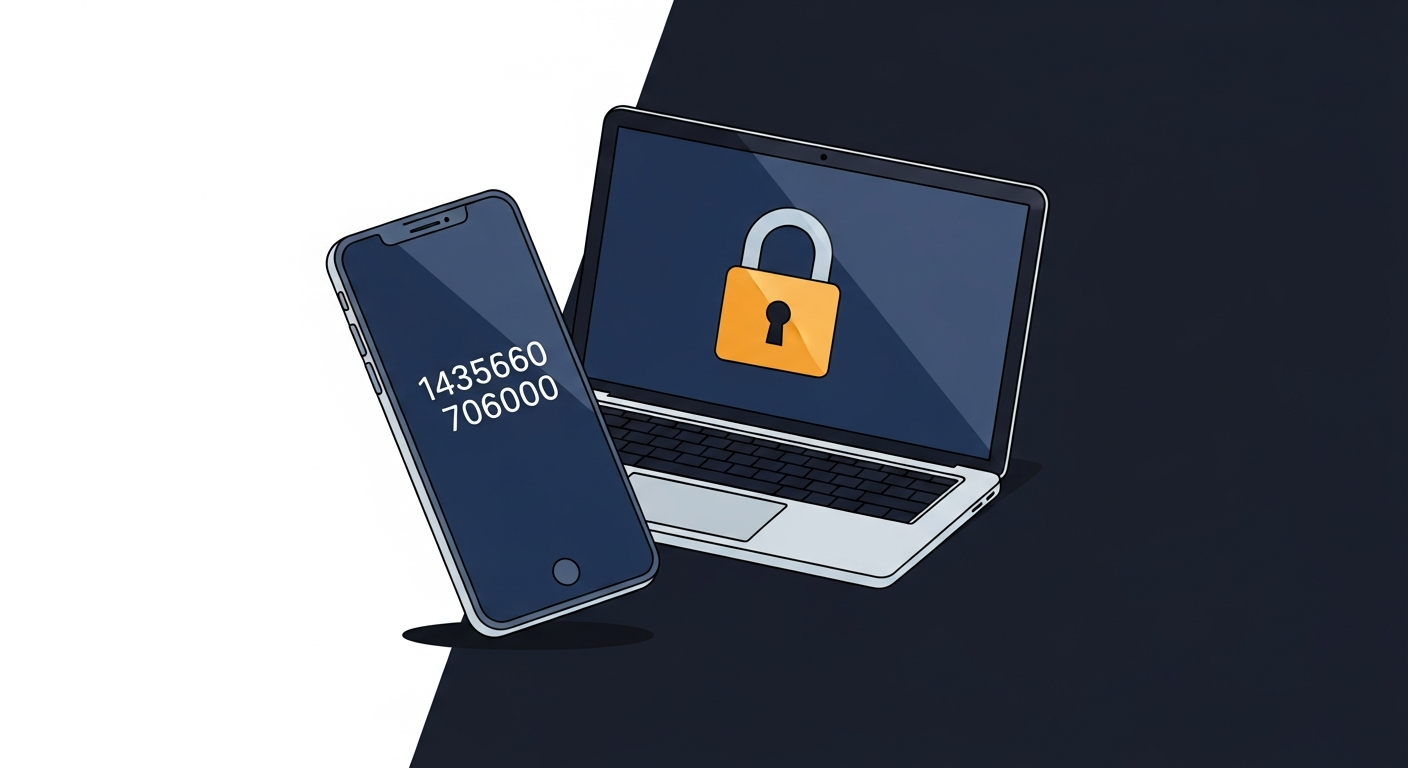
Smartphone displaying a two-factor authentication code for securing business accounts

Two-factor authentication (2FA) is the single most effective step a small business can take to prevent account takeovers when a password has been stolen. This guide covers the four types of second factor ranked by security strength — SMS codes (weakest), authenticator apps (Microsoft, Google, or Apple’s built-in option), passkeys (strongest for most users), and hardware keys — which accounts to protect first, and how to enforce 2FA across a Microsoft 365 organization.