The call came in on a Tuesday morning. Bit of a frantic energy to it.
“Paul, I think we’ve been hacked. There’s a message on the screen and it won’t go away. It says to call Microsoft.”
I asked her to read me exactly what the message said.
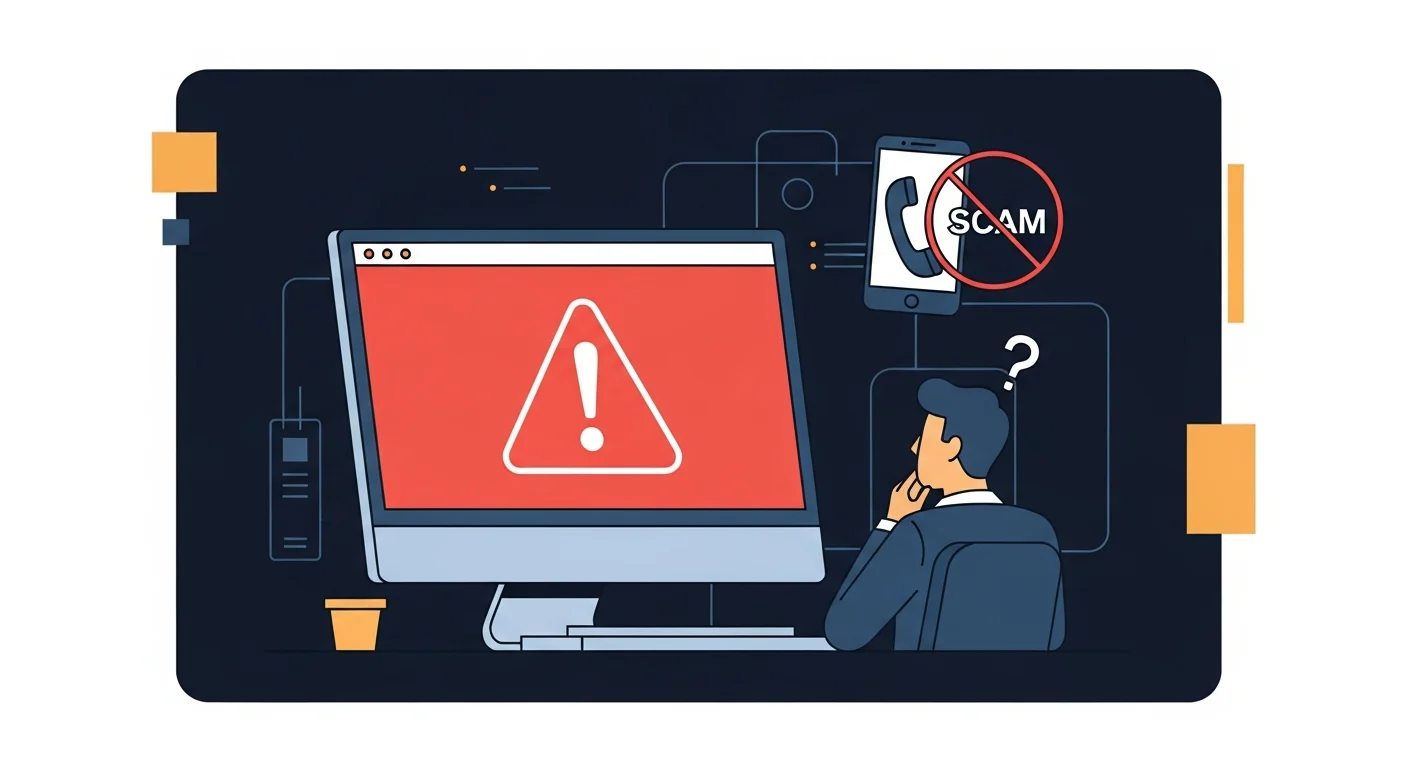
She read it out. Large red screen, alarm sound, a phone number, and a warning that her computer had been locked to protect her from a virus that was actively stealing her banking information.
I recognized it immediately. Not a hack. Not a virus. Not Microsoft.
A scareware popup.
What she was looking at
Scareware — sometimes called a tech support scam — is a webpage designed to look like a system alert. It fills the entire browser window, plays an alarm sound, and is built to make you panic. The goal is to get you to call the number on screen, at which point someone posing as a Microsoft technician will offer to “fix” the problem — for a fee, and with remote access to your machine.
The page itself is harmless. It’s HTML. It can’t lock your computer, steal your data, or install anything. But it’s convincing enough that people call the number every day.
The trick is that most browsers, when a page like this loads, will ask permission to display notifications or block you from navigating away. If you click anything on the page, it can stay fullscreen and be difficult to close. That’s what creates the feeling of being locked in.
She hadn’t called the number yet. Good.
The fix
I walked her through it over the phone. Three steps:
Step 1: Press and hold Alt + F4 to force-close the browser window. If that doesn’t work, right-click the taskbar, select Task Manager, find the browser in the list, and click End Task.
Step 2: When the browser reopens, don’t restore the previous session. If it asks to restore tabs, say no — that would just reopen the scam page.
Step 3: Run a quick scan with Windows Defender to confirm nothing was installed.
Hers came back clean. Five minutes from panic to resolved.
Why this works on smart people
I want to be clear about something: this client is not a naive person. She runs a successful business, she’s careful with her finances, and she’s been using computers for years.
These scam pages work because they’re designed to override your instincts. The alarm sound, the red screen, the official-looking Microsoft logo — they’re engineered to create urgency and shut down critical thinking. Panic is the product.
And the threat they describe — your banking information being stolen, your computer being locked — is plausible enough that it doesn’t sound ridiculous. Identity theft is real. Ransomware is real. The scam works by borrowing credibility from real threats.
What to do if this happens to you
Don’t call the number. Microsoft will never display a phone number and ask you to call them. Neither will any legitimate security software.
Close the browser. Alt + F4, or Task Manager if you need to force it. Don’t click anything on the page itself.
Don’t pay anyone. If you’ve already called the number and they’ve asked for payment — whether by credit card, gift card, or wire transfer — stop. Hang up. Contact your bank if you’ve already provided payment information, and report the incident to the Canadian Anti-Fraud Centre.
If they had remote access, act fast. If you called the number and let someone connect to your computer remotely, that’s a different situation. Disconnect from the internet immediately, and call your actual IT provider. Remote access means they potentially had time to install something or collect credentials, and that needs to be investigated properly.
Run a scan. Even if you didn’t call the number, a quick scan with Windows Defender or Malwarebytes will confirm nothing was installed. It’s usually clean, but worth checking.
The part that stuck with me
Before I hung up, she said: “I felt so stupid.”
I told her not to. These pages are purpose-built to fool people, and the fact that she called before doing anything was exactly the right move. The damage in these situations almost always comes from what happens after the popup — not from the popup itself.
That’s the part worth remembering. If something on your computer looks alarming and you’re not sure what it is, slow down. Call someone you trust. Don’t click, don’t call the number on screen, and don’t let anyone in remotely until you’ve verified who you’re talking to.
Scareware relies on panic. The more common threats — phishing, ransomware, stolen credentials — rely on being under-protected, which is exactly the gap our cybersecurity service is built to close.
If you ever get a call like this — or something on your screen that doesn’t make sense — we’re easy to reach. That’s what we’re here for.