You’re working on an email reply when your screen goes blank. “Microsoft Outlook is not responding.” You wait, the screen comes back, and you keep working on your emails. Twenty minutes later, the same thing happens again. The third time it happens, you compose your emails using a two-step process: write the draft and save … Read more
Picture a Tuesday morning in a well-run office. The inbox is full, the phone is ringing, and somewhere in that pile of email is a message that looks like it’s from a supplier the business uses — same logo, familiar name, invoice attached. The person who opens it isn’t careless. She’s busy. She processes forty … Read more
Every office has one. The computer that takes ten minutes to be usable in the morning, so its owner turns it on and goes to make coffee. The one where everyone knows you don’t open the big spreadsheet and Teams at the same time. Nobody replaces it, because it still works — and spending money … Read more
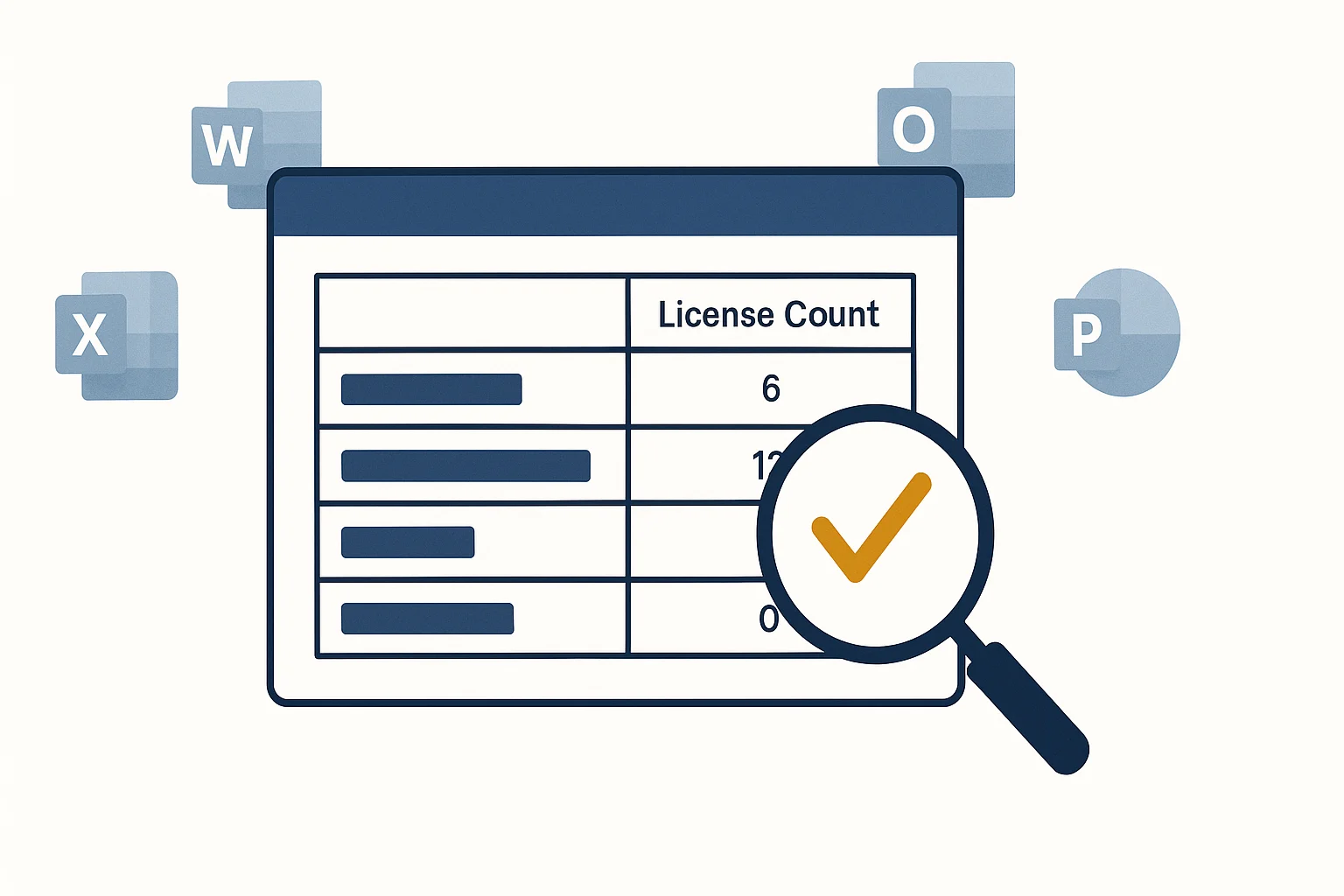
Most businesses set up Microsoft 365, assign licenses to everyone who needs one, and then don’t think about it again. People leave. Roles change. A contractor finishes a project. Someone gets a second license by accident when they get a new computer. The licenses stay, quietly billing every month. This was always a minor annoyance. … Read more
Your internet just went down. Before you call Rogers — or TELUS, or whoever your ISP is — spend five minutes on this checklist. About half the time, the problem is inside your building, not outside it. And if it is inside, the fix usually takes ten minutes, not a two-hour service window. Step 1: … Read more
Here’s a question we ask at every new client engagement: how does your team handle passwords? The most common answer is some version of “everyone does their own thing,” or “they have to be x characters long.” Which usually means: the same password reused across multiple accounts, maybe with a capital letter and a number … Read more
We often get this call. A client phones us and it’s urgent — one of their employees has been working from home for months, and now something isn’t working. Email won’t connect, access to the shared drive is gone, video calls keep dropping. No one has ever looked at the employee’s home setup. It turns … Read more
At some point, most small businesses outgrow whatever they started with for email. Maybe you’re still using your internet provider’s email and you’ve lost messages. Maybe you’re on an old Exchange server that someone set up ten years ago and nobody fully understands anymore. Maybe you’ve had the same Gmail account since the business launched … Read more
The call came in on a Tuesday morning. Bit of a frantic energy to it. “Paul, I think we’ve been hacked. There’s a message on the screen and it won’t go away. It says to call Microsoft.” I asked her to read me exactly what the message said. She read it out. Large red screen, … Read more
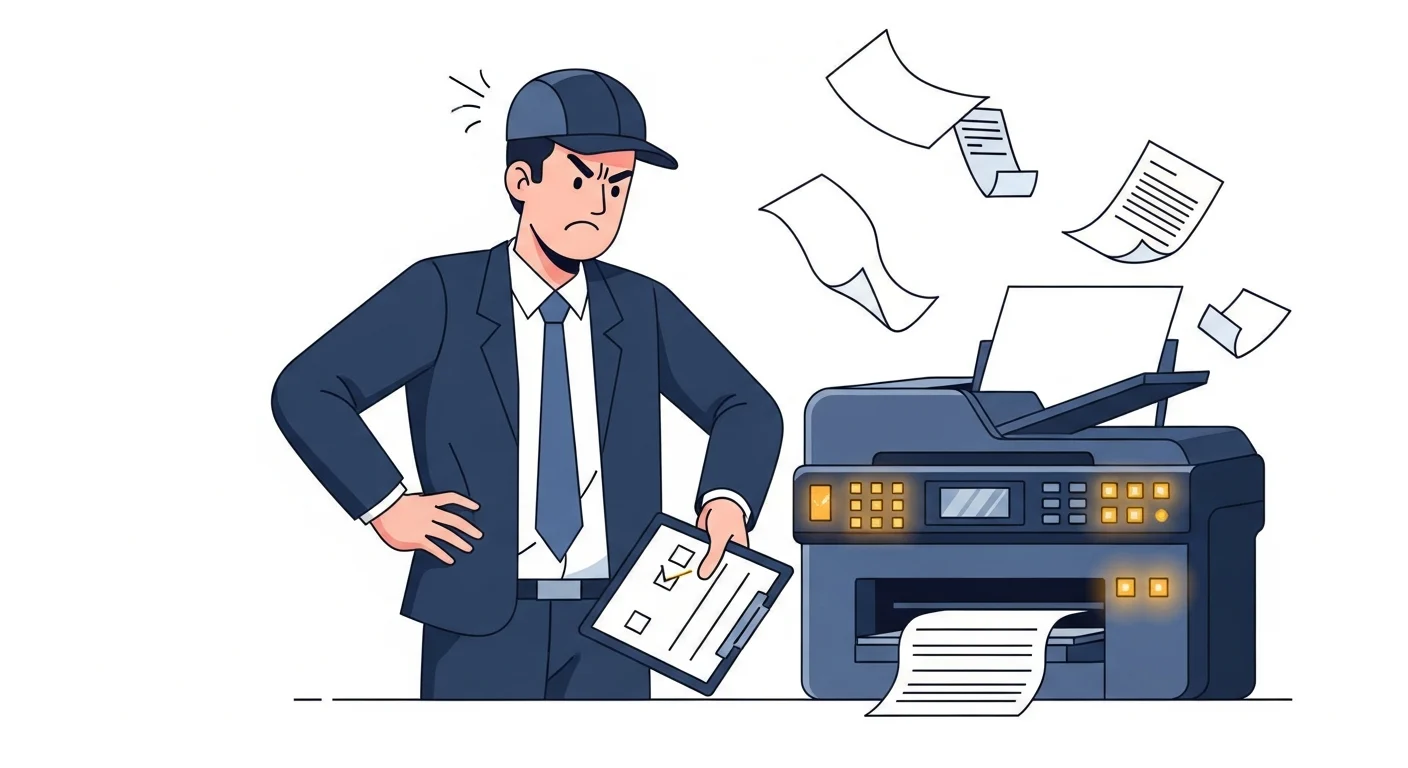
Of all the things that make people irrationally furious at technology, printers are the undisputed champions. They work fine for months. Then, the moment you need to print something important — a contract before a client meeting, an invoice, the boarding pass you forgot to save — they decide to stop. No error message. No … Read more