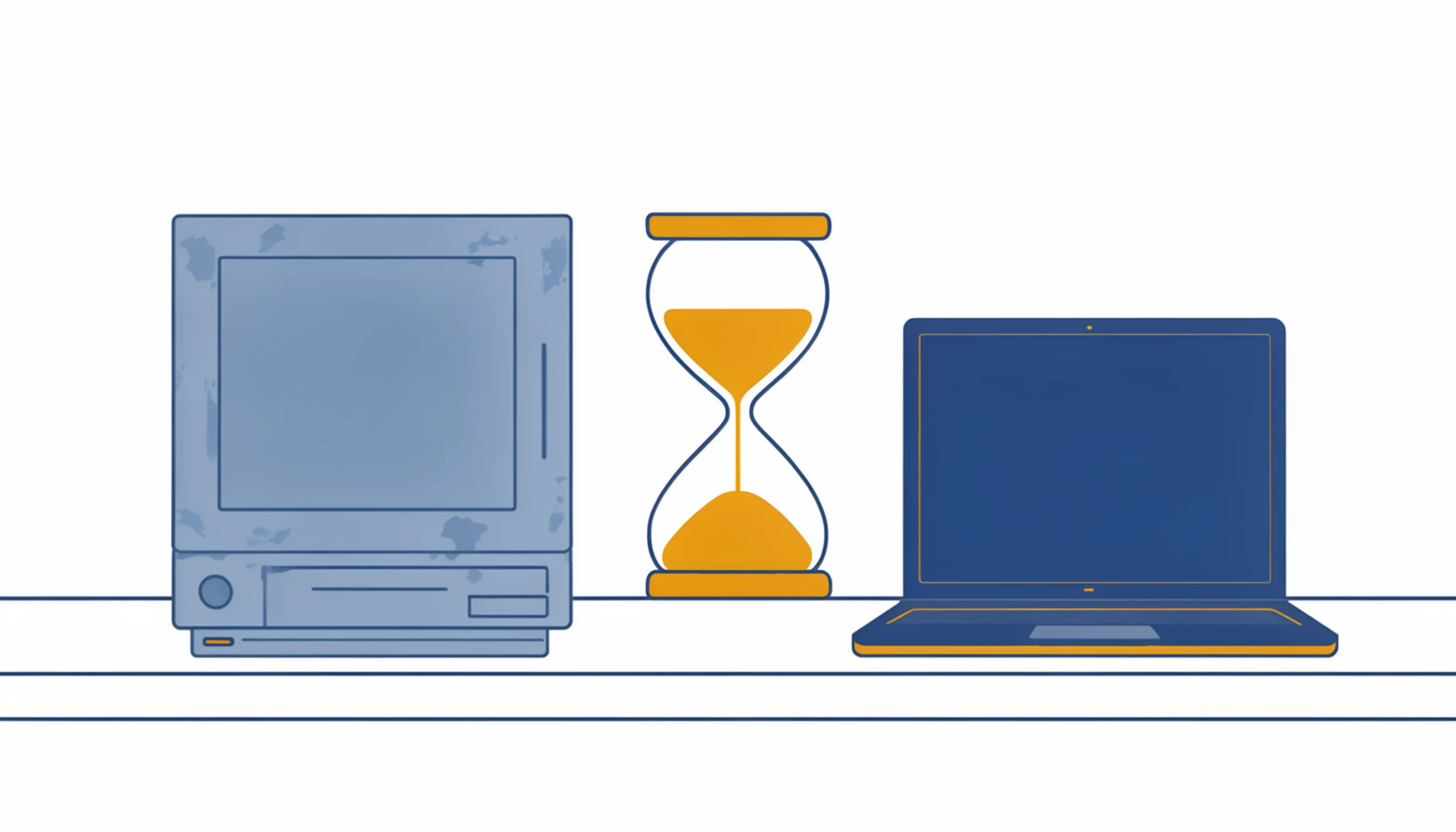
Every office has one. The computer that takes ten minutes to be usable in the morning, so its owner turns it on and goes to make coffee. The one where everyone knows you don’t open the big spreadsheet and Teams at the same time. Nobody replaces it, because it still works — and spending money on a computer that still works feels wasteful.
Here’s the problem: that machine is already costing you money. It’s just not showing up as a line item.
The short answer: four to five years
For most business computers, the practical service life is four to five years. Not because they die at that age — plenty run for eight — but because somewhere around year four, the math flips. Repairs get more frequent, parts and upgrades cost more relative to the machine’s value, and the slow accumulation of lost minutes starts outweighing what a replacement costs.
That’s not a guess. Techaisle studied 736 small businesses and found that PCs four years or older cost an average of $427 US per year (about $620 CAD) just in repairs — about 1.3 times what newer machines cost — and lose around 42 hours of work time a year while they’re being fixed, double the downtime of a newer PC. For a typical small business running six computers, half of them past the four-year mark, the study put the combined repair and lost-productivity cost at over $4,200 US a year (about $6,100 CAD). That buys a lot of new laptop.
The deadline that might decide for you
There’s also a calendar problem. Windows 10 support ended in October 2025. Machines still running it can limp along on Microsoft’s Extended Security Updates program, but that’s a paid stopgap with an expiry date, not a plan.
The catch is that many older machines can’t move to Windows 11 at all. Windows 11’s hardware requirements include TPM 2.0 and a compatible processor — requirements that rule out most computers built before about 2018. If a machine can’t run Windows 11, its replacement date is already set. The only question is whether you pick the date or the machine does.
Signs a machine is due
Age is the main indicator, but it’s not the only one. A computer is telling you it’s time when:
- It’s slow even after a cleanup. If you’ve already been through the usual slow-computer checklist and it’s still dragging, the hardware is the bottleneck.
- It can’t run Windows 11. See above — the clock is running.
- It’s been repaired twice in a year. Each fix costs money and downtime, and the next failure is already on its way.
- Your staff have workarounds. “Oh, you have to restart it after lunch” is a sentence that should trigger a replacement conversation.
- It’s a laptop that no longer holds a charge. Battery replacement on a five-year-old laptop is rarely worth it.
How to replace without the budget shock
The businesses that handle this well don’t replace everything at once — they make it boring and predictable:
Keep an inventory with ages. A simple list: every machine, when it was bought, whether it can run Windows 11. You can’t plan around what you haven’t written down.
Stagger it. Replace roughly a quarter of your machines each year. Every computer gets replaced on a four-year cycle, and no single year takes a big hit.
Cascade the survivors. A four-year-old machine that’s too slow for your bookkeeper might be fine as a shop-floor lookup terminal for another year or two.
Don’t buy the cheapest thing on the shelf. Consumer-grade bargain machines cost less up front and hit the four-year wall sooner. A business-class machine with an SSD and 16 GB of RAM will stay comfortable for its whole cycle.
Not sure where your machines stand?
If you don’t have that inventory — or you have a feeling that more than one machine in your office is past due — we can go through your computers with you and put together a replacement schedule that spreads the cost out sensibly. That’s a normal part of what managed IT includes, and it’s a much better conversation to have in planning mode than the morning a machine doesn’t turn on.