Most businesses set up Microsoft 365, assign licenses to everyone who needs one, and then don’t think about it again. People leave. Roles change. A contractor finishes a project. Someone gets a second license by accident when they get a new computer. The licenses stay, quietly billing every month.
This was always a minor annoyance. As of July 1, 2026, it costs more. Microsoft raised commercial M365 prices this month — Business Basic is up 16%, Business Standard up 12%. If you have unassigned, unused or mis-assigned licenses sitting in your tenant, you’re now paying more for them than you were last month.
Finding the unassigned and unused licenses takes less than an hour. Here’s where to look.
Start with the unassigned licenses: Billing → Licenses
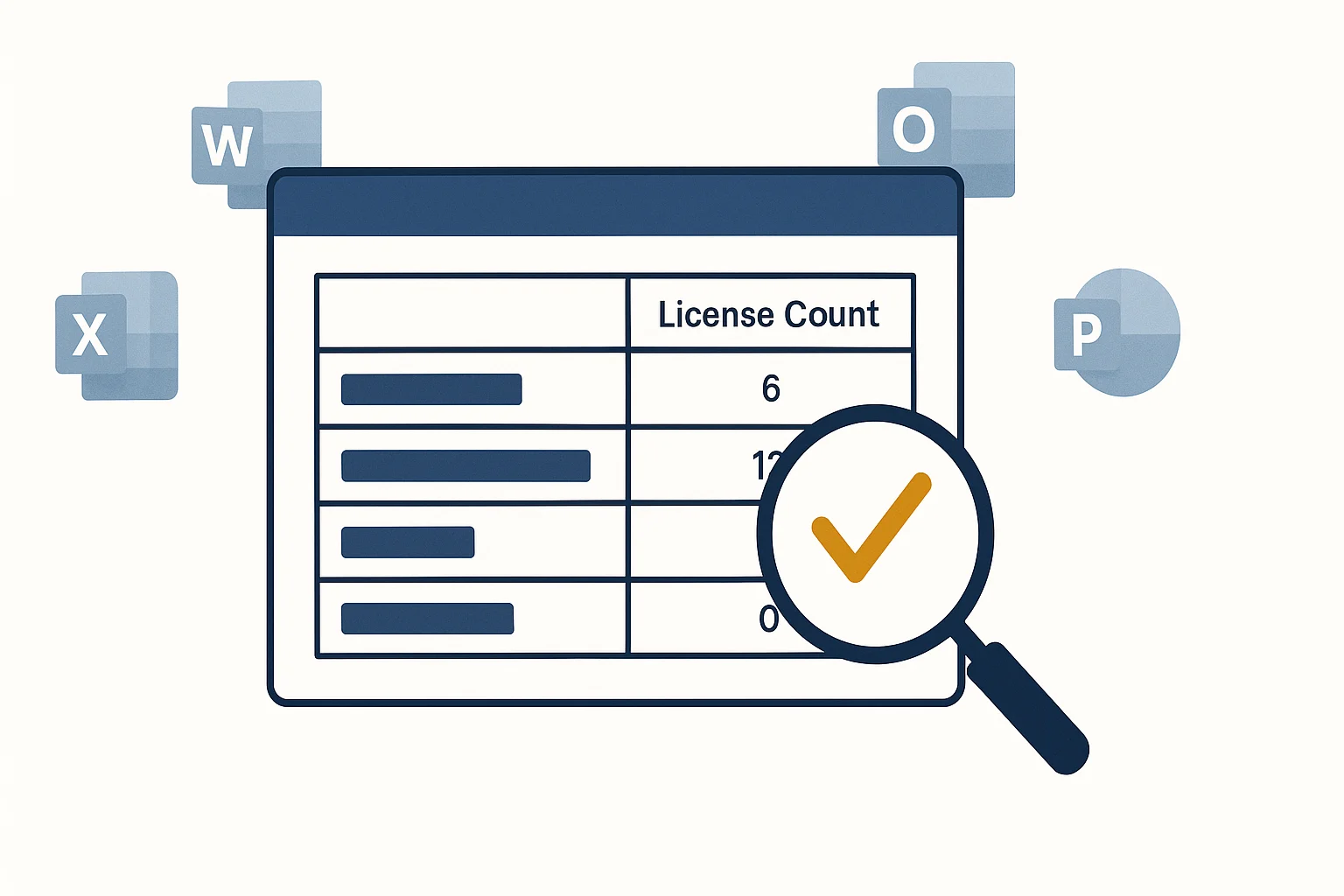
Log into the Microsoft 365 Admin Center (admin.microsoft.com) and go to Billing → Licenses. This page shows you every subscription you’re paying for, how many licenses are assigned, and how many are unassigned.
Unassigned licenses are the easiest win — you’re paying for seats that aren’t attached to any user. If you see unassigned licenses, you can reduce your subscription count at your next renewal or, depending on your agreement, sooner.
Next: Reports → Usage
Go to Reports → Usage in the Admin Center. Microsoft’s usage reports show you active users across every workload — Exchange, Teams, SharePoint, OneDrive, and the Office apps — for the last 7, 30, 90, or 180 days.
Look for users who appear in your license list but show no activity in any workload for 30 days or more. Some of these will have obvious explanations — parental leave, extended absence. Others will be accounts you forgot to deactivate when someone left.
Check last sign-in dates
Go to Users → Active Users and sort by the last sign-in date. Anyone who hasn’t signed in for 60–90 days is worth investigating. Either their account should be deactivated and their license reclaimed, or there’s a legitimate reason for the inactivity that’s worth knowing about.
Note: inactive accounts aren’t just a billing issue — a former employee’s credentials still work until someone explicitly disables the account.
Ask whether everyone is on the right plan
This is where a bit more attention pays off. Microsoft’s three main business plans serve different needs:
- Business Basic — web and mobile versions of Office apps, Exchange email, Teams, SharePoint, OneDrive. No desktop Office applications.
- Business Standard — everything in Basic, plus desktop versions of Word, Excel, PowerPoint, Outlook, and additional features like webinar hosting.
- Business Premium — everything in Standard, plus enterprise security features: Intune device management, Microsoft Defender for Business, Azure AD Premium.
A receptionist or warehouse worker who only uses Outlook in a browser and occasionally joins a Teams call doesn’t need Business Standard. A user on Standard who never opens the desktop Office apps is paying roughly double what they need to. Reviewing who uses the desktop applications — visible in the Reports → Usage data — often reveals meaningful savings.
Watch for shared mailboxes on full licenses
Shared mailboxes — accounts like info@, support@, or accounts@yourdomain.com — do not require a paid per-user license in Microsoft 365. They only need a license if you want features like a mailbox larger than 50 GB or if they’re being accessed via Outlook desktop. Many businesses have shared mailboxes sitting on full Business Standard licenses unnecessarily. Check your licensed user list for any accounts that are shared mailboxes.
What to do with unassigned and unused licenses
Once you’ve found the licenses you don’t need, the actions are straightforward:
- Disable and unlicense accounts for people who have left — immediately, regardless of cost savings, for security reasons
- Remove unassigned licenses at your next renewal — or contact your Microsoft partner to adjust now
- Downgrade users who don’t need desktop apps from Standard to Basic
- Convert shared mailboxes from user licenses to shared mailbox configurations
Most businesses that have never done this audit find at least a few licenses they’re paying for unnecessarily. With prices up across the board this month, that hour is worth more than it was in June.
If you’d like a hand with your tenant, we can run the usage reports and show you exactly where the money’s going. Book a free 15-minute discovery call and we’ll start there.