iKonyk Solutions - Providing Canadian Businesses with Dependable IT Services iKonyk Solutions - Dependable IT Services (403) 775-0500 info@ikonyk.ca

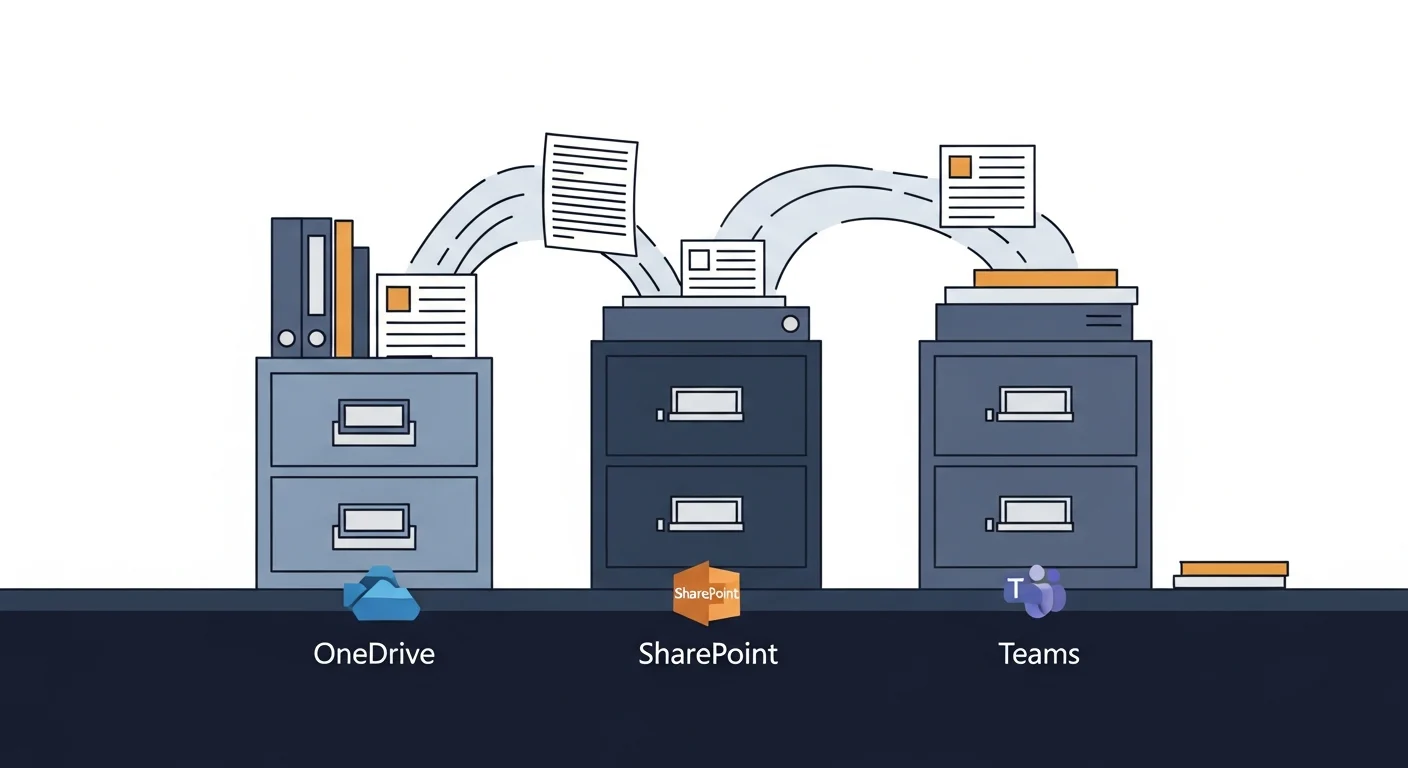
OneDrive, SharePoint, or Teams — Where Should Your Files Live?

OneDrive, SharePoint, and Teams icons showing where files should live in Microsoft 365 for small business

Microsoft 365 provides three places to store files and almost no guidance on which to use. The practical rule: OneDrive is your personal work drive for files only you need, SharePoint is the shared filing cabinet for anything the whole team or company needs long-term, and Teams is your active project workspace — which stores its files in SharePoint anyway. This post also covers a 2026 storage change (new OneDrive accounts capped at 150 GB) and explains why Microsoft 365 files are not automatically backed up the way most users assume.

Microsoft 365 vs Google Workspace: Which One Fits Your Business?

Microsoft 365 and Google Workspace logos compared for small business productivity suite decision

Both Microsoft 365 and Google Workspace are capable platforms, but for most Calgary small businesses — especially those using complex documents, accounting software, or Microsoft-centric vendors — Microsoft 365 is the practical default. This post breaks down the honest differences in collaboration tools, email, storage, pricing, and offline capability so businesses can choose without relying on a vendor sales pitch.