Here’s a question we ask at every new client engagement: how does your team handle passwords?
The most common answer is some version of “everyone does their own thing,” or “they have to be x characters long.”
Which usually means: the same password reused across multiple accounts, maybe with a capital letter and a number tacked on. The company name plus the year. “Summer2025!” because the IT policy said it had to be changed and someone picked the easiest possible replacement.
It’s not carelessness — it’s human nature. Passwords are a nuisance, so people find workarounds. The problem is that attackers know this better than most.
Why this matters more than people realize
According to the Verizon 2025 Data Breach Investigations Report, use of stolen credentials is the single most common way attackers break in — the top hacking method in 32% of large-business breaches and 33% of small-business breaches — and within web application attacks specifically, stolen credentials are involved 86% of the time. Microsoft’s 2025 Digital Defense Report found that 97% of identity attacks are password-based.
Put simply: the most common way attackers get into a business is by using a password that’s already been compromised somewhere else. When an employee reuses their work email password on a site that got breached two years ago, that password may already be in a list someone is testing right now.
The person whose credentials were stolen usually has no idea.
It’s not just a place to store passwords
A password manager does two things that matter:
- Generates a unique, complex password for every account — so nobody has to reuse anything.
- Stores and fills those passwords automatically — so the complexity doesn’t add friction for your team.
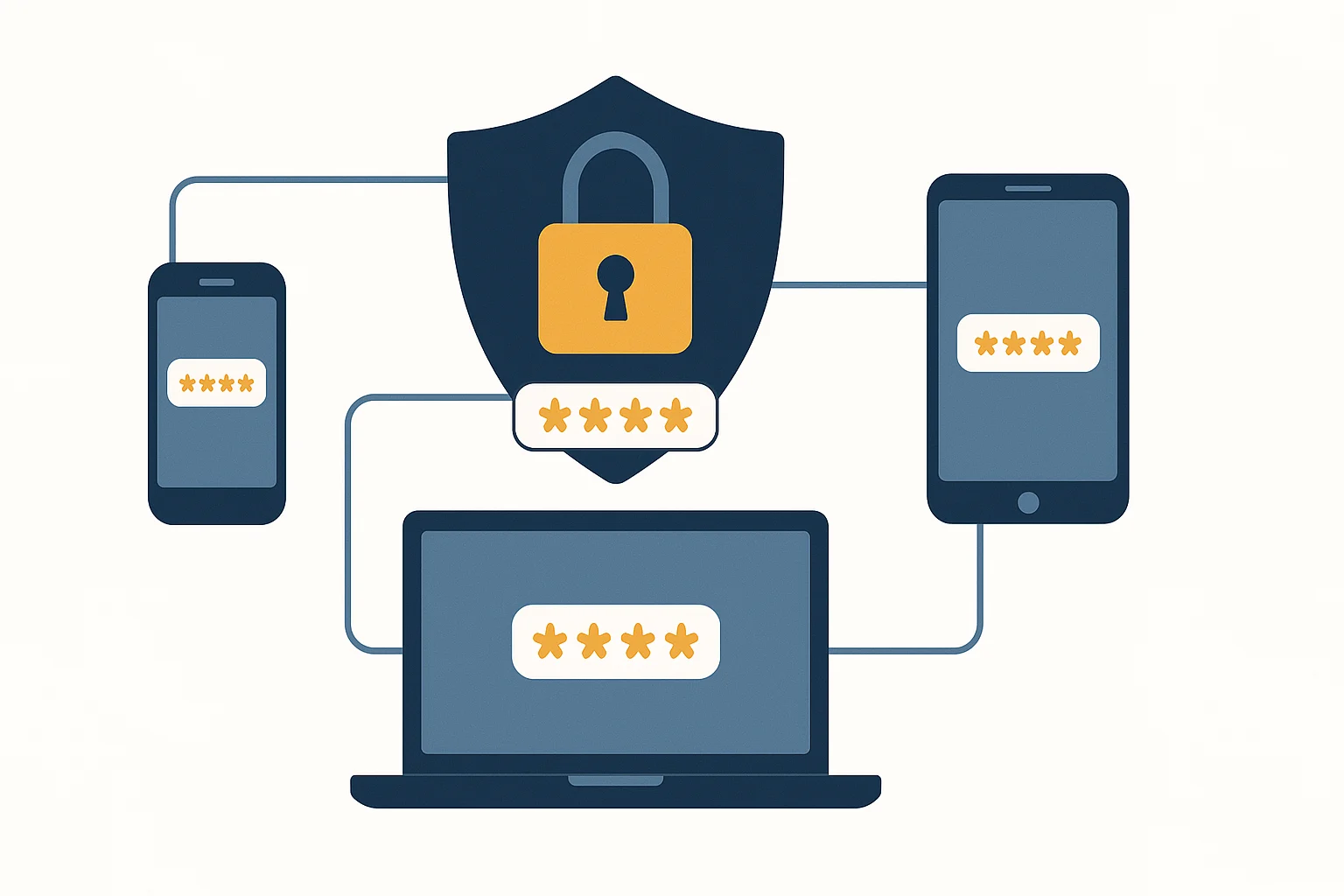
The result: every account has its own strong password, and your team doesn’t have to remember any of them. The only password anyone needs to remember now is the master password that unlocks the rest.
What it does for your business specifically
For businesses, the right password manager adds more than just better passwords:
- Shared vaults — your team can securely share credentials for shared tools without emailing passwords around or keeping them in a spreadsheet.
- Visibility — you can see which accounts are covered, which passwords are weak or reused, and which accounts you’ve missed.
- Offboarding control — when someone leaves, you remove their access to shared vaults immediately, without having to manually change every password they ever touched.
- MFA integration — most business password managers work alongside your existing multi-factor authentication setup rather than replacing it.
Which one should you use?
For most small businesses, our team recommends one of two options:
Bitwarden — open-source, independently audited, and $4 US per user per month (about $5.80 CAD) for teams. Strong choice if you want solid security without a big price tag. The interface is straightforward, and the open-source model means its security claims have been independently verified.
1Password — used by over 180,000 businesses, and the one you’ll see most often in larger organizations. More polish, strong single sign-on integrations, and $8.99 US per user per month (about $12.97 CAD) — worth it for teams that need tighter controls or are already in a Microsoft or Okta environment.
Either one is a significant upgrade over “everyone does their own thing.”
How hard is it to roll out?
Less complicated than most people expect. You set up an organization account, invite your team, and walk everyone through installing the browser extension and importing their existing passwords. Most employees are fully set up in under 30 minutes.
The bigger lift is the policy side: deciding what goes in the shared vault, setting expectations for how passwords are created and maintained, and building it into your onboarding process for new hires. That part is worth doing right — which is where having someone guide you through it helps.
If your team is still managing passwords on their own, it’s one of the highest-value security changes you can make, and it doesn’t require a big budget or a lot of technical heavy lifting. Our team can help you choose the right tool, get it set up, and make sure your staff is comfortable using it.
Password managers are one piece of the layered protection in our cybersecurity service — alongside multi-factor authentication, email filtering, and endpoint monitoring.