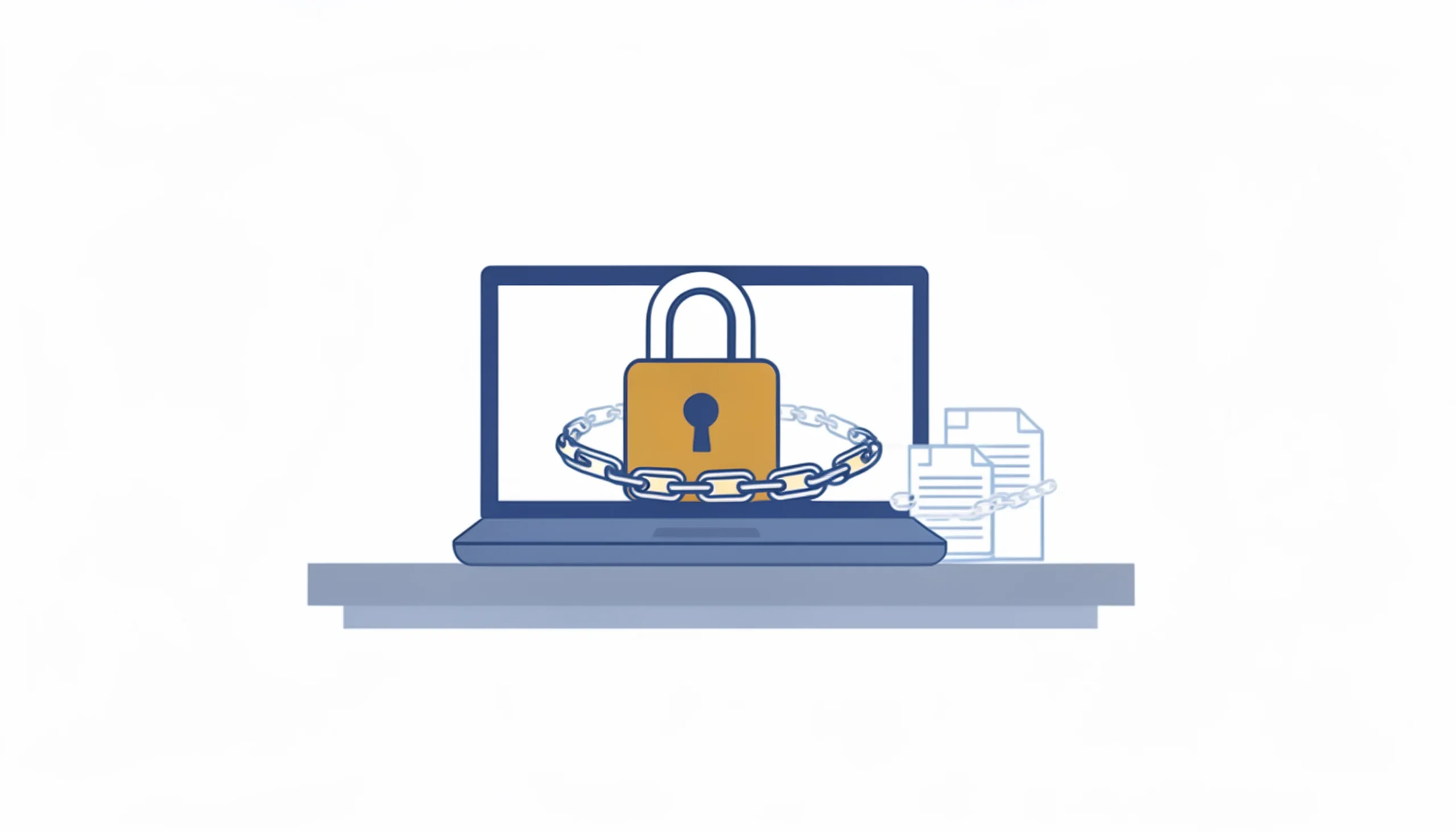
Ransomware used to be something that happened to hospitals and big corporations. Companies with data worth millions. Targets big enough to make the news. That’s not the world we’re in anymore. In 2026, ransomware still disproportionately hits the smallest businesses — Verizon’s 2025 Data Breach Investigations Report found ransomware was a factor in 88% of … Read more
Every few months, someone asks me some version of this question. Sometimes it comes from a business owner who just got hit with an unexpected bill — a server failure, a ransomware attack, an emergency repair that cost three times what a monthly IT plan would have. Sometimes it comes from someone who’s been quoted … Read more
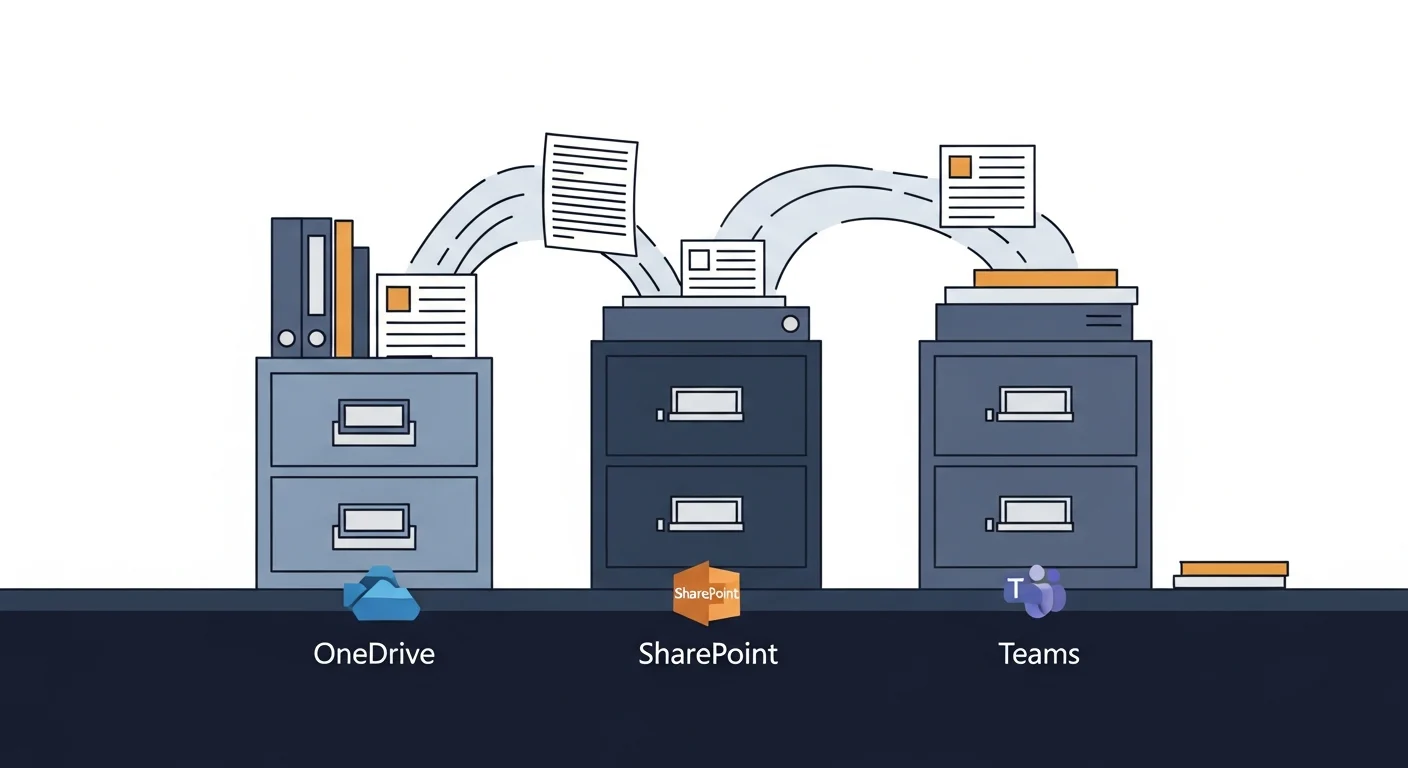
Microsoft 365 provides three places to store files and almost no guidance on which to use. The practical rule: OneDrive is your personal work drive for files only you need, SharePoint is the shared filing cabinet for anything the whole team or company needs long-term, and Teams is your active project workspace — which stores its files in SharePoint anyway. This post also covers a 2026 storage change (new OneDrive accounts capped at 150 GB) and explains why Microsoft 365 files are not automatically backed up the way most users assume.
Around 25% of reported wireless issues are caused by something other than the Wi-Fi signal — an overloaded router, a device consuming all available bandwidth, a failing switch, an unauthorized device, or a network configuration problem. This post explains how to tell the difference between a Wi-Fi problem and a network problem, and includes a real-world example of an employee using the office ethernet connection to download large personal files, slowing the entire office to a crawl.
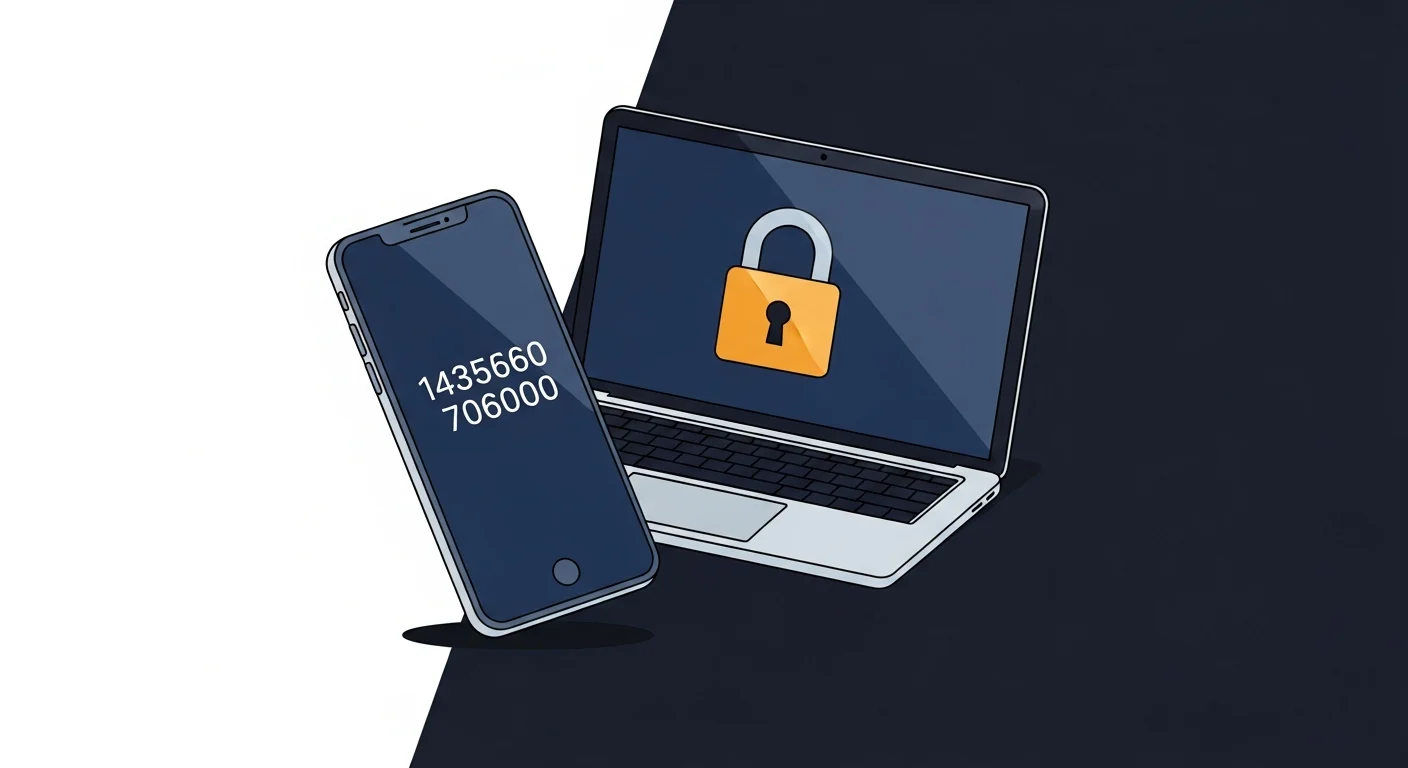
Two-factor authentication (2FA) is the single most effective step a small business can take to prevent account takeovers when a password has been stolen. This guide covers the four types of second factor ranked by security strength — SMS codes (weakest), authenticator apps (Microsoft, Google, or Apple’s built-in option), passkeys (strongest for most users), and hardware keys — which accounts to protect first, and how to enforce 2FA across a Microsoft 365 organization.
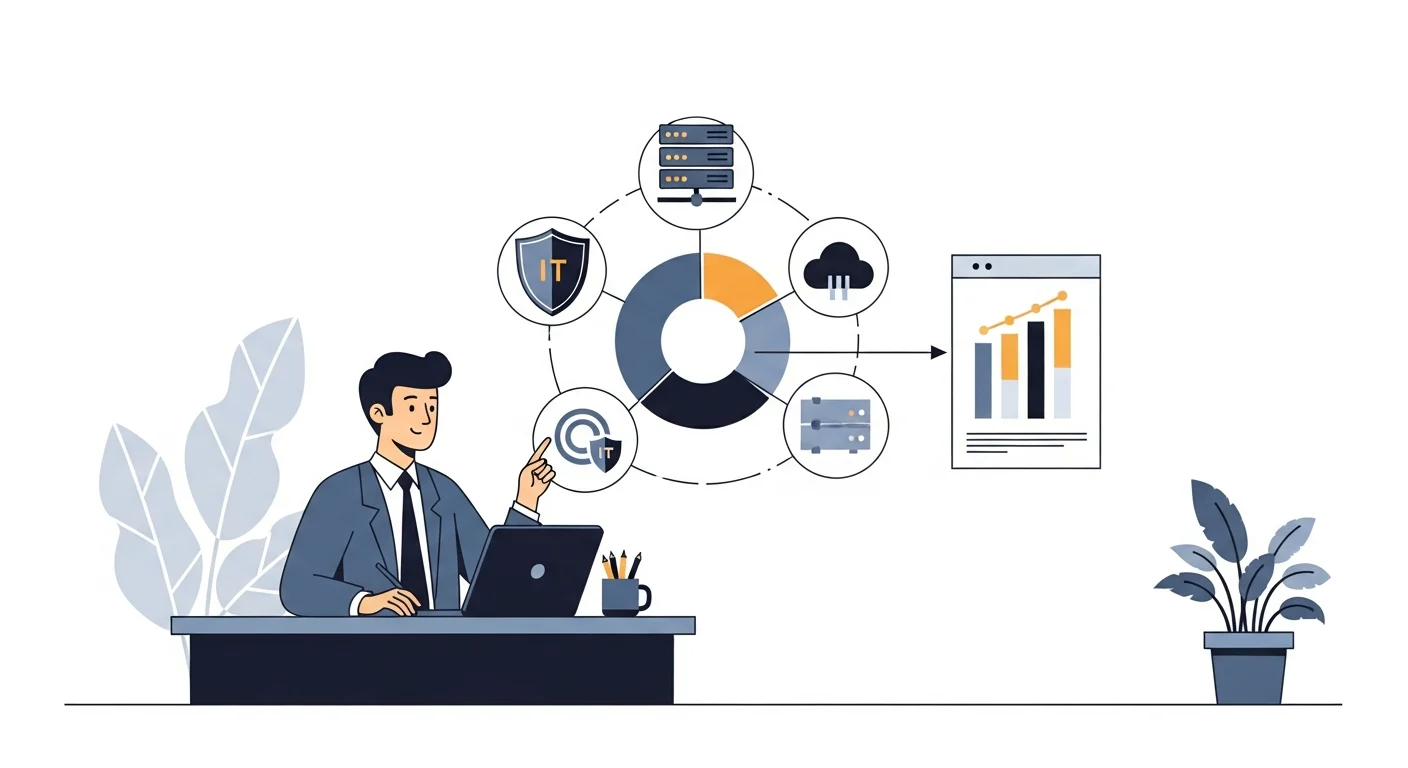
Managed IT replaces unpredictable repair bills with a flat monthly fee. A typical managed IT agreement covers proactive monitoring, patch management, helpdesk support with a pre-agreed response time and contact method, endpoint security, and backup verification. This post explains what is usually included, what is commonly billed as an extra, what managed IT is not, and how pricing models work — so you can compare providers accurately.
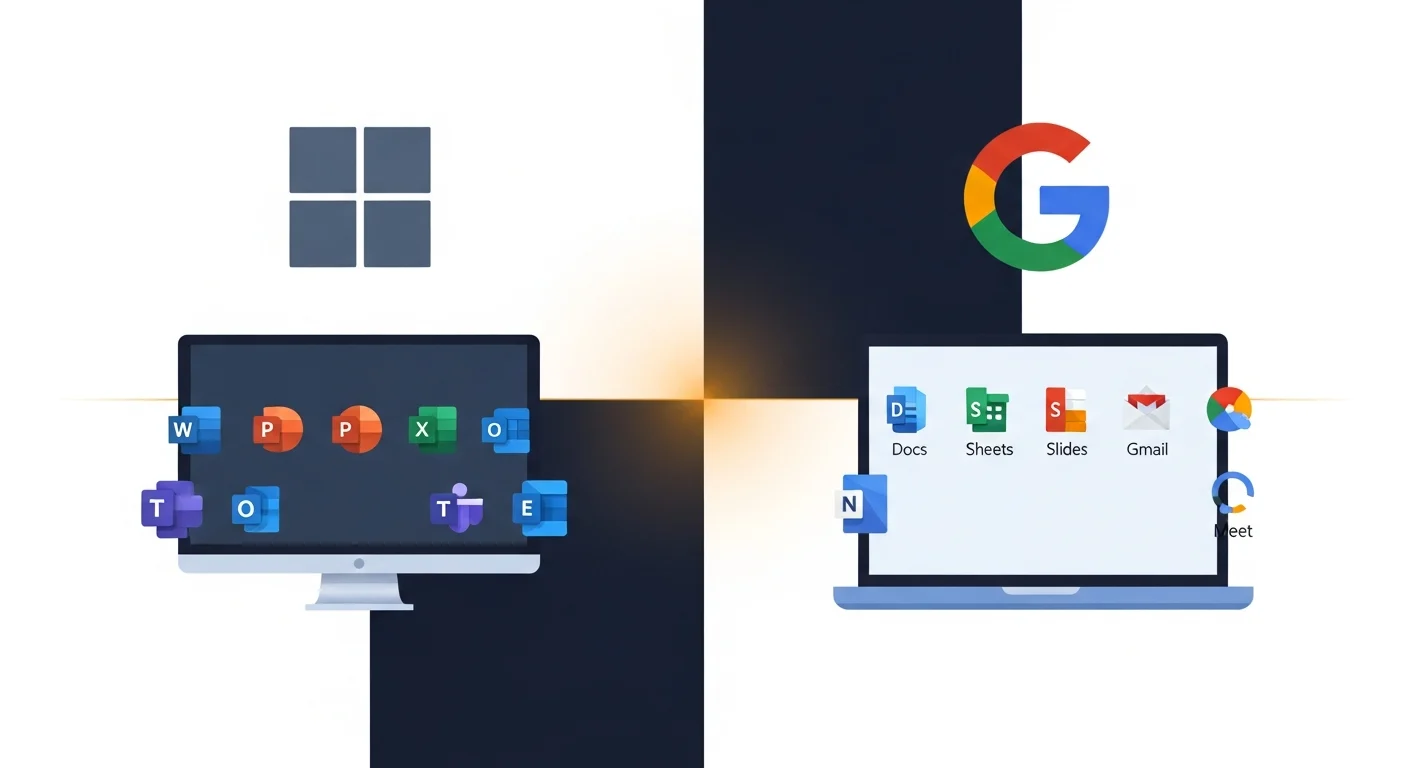
Both Microsoft 365 and Google Workspace are capable platforms, but for most Calgary small businesses — especially those using complex documents, accounting software, or Microsoft-centric vendors — Microsoft 365 is the practical default. This post breaks down the differences in collaboration tools, email, storage, pricing, and offline capability so businesses can choose without relying on a vendor sales pitch.
A slow computer usually has one of seven fixable causes — most do not require a new machine. This guide covers the most common culprits in order: startup programs, background processes, storage space, Windows updates, malware, RAM, and hard drive type. The single hardware upgrade with the highest impact for small business computers is replacing a spinning hard drive with an SSD.
Modern phishing emails arrive as convincing invoices from vendors you use, fake Microsoft 365 login pages, and urgent messages appearing to come from your own boss. This post covers the five types of phishing hitting Calgary businesses in 2026, five habits that catch most attempts, and an exact five-step response protocol for when someone on your team clicks something they should not have.
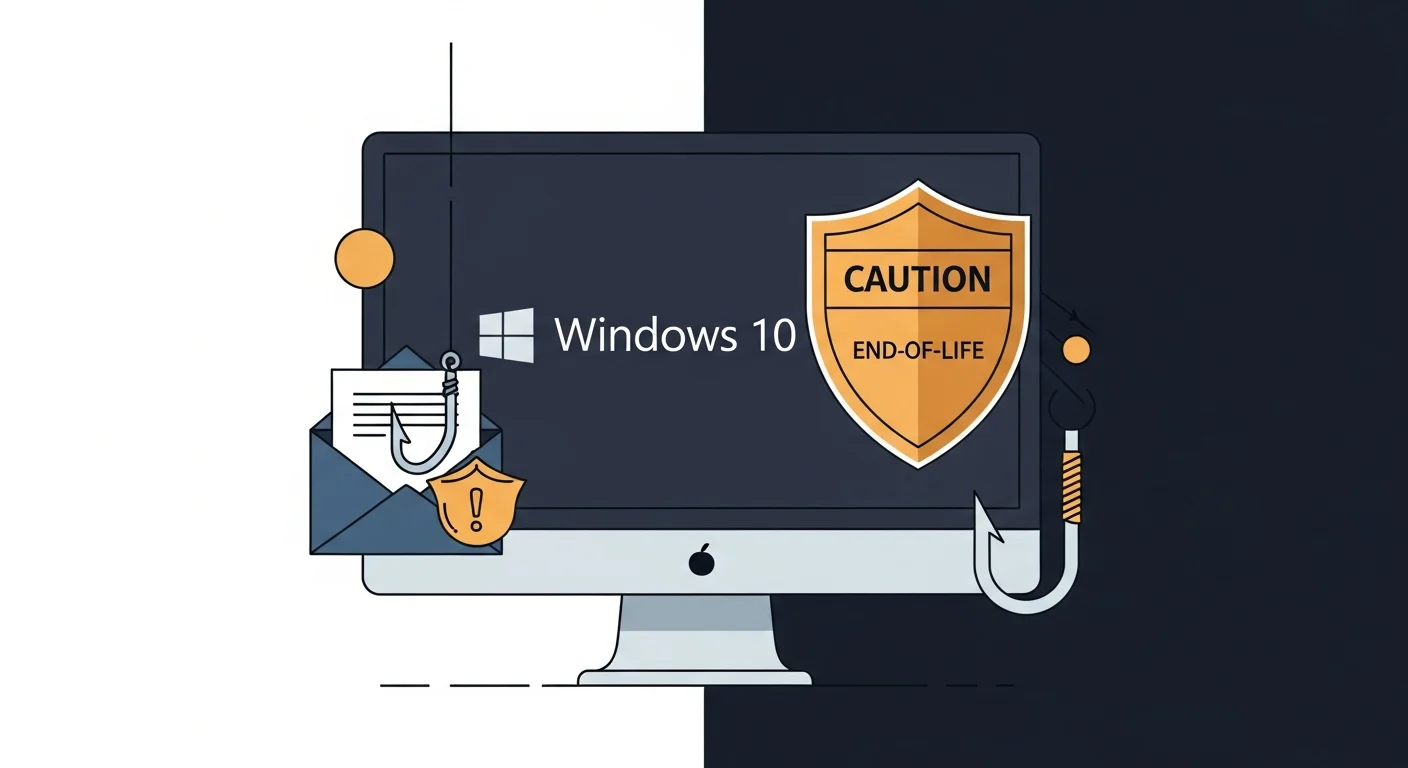
Windows 10 reached end of support in October 2025, meaning Microsoft stopped releasing security patches. Attackers are already targeting businesses running Windows 10 knowing unpatched systems cannot defend against the latest phishing and malware techniques. Calgary small businesses still running Windows 10 face compounding risk from an ageing operating system and increasingly sophisticated phishing campaigns.