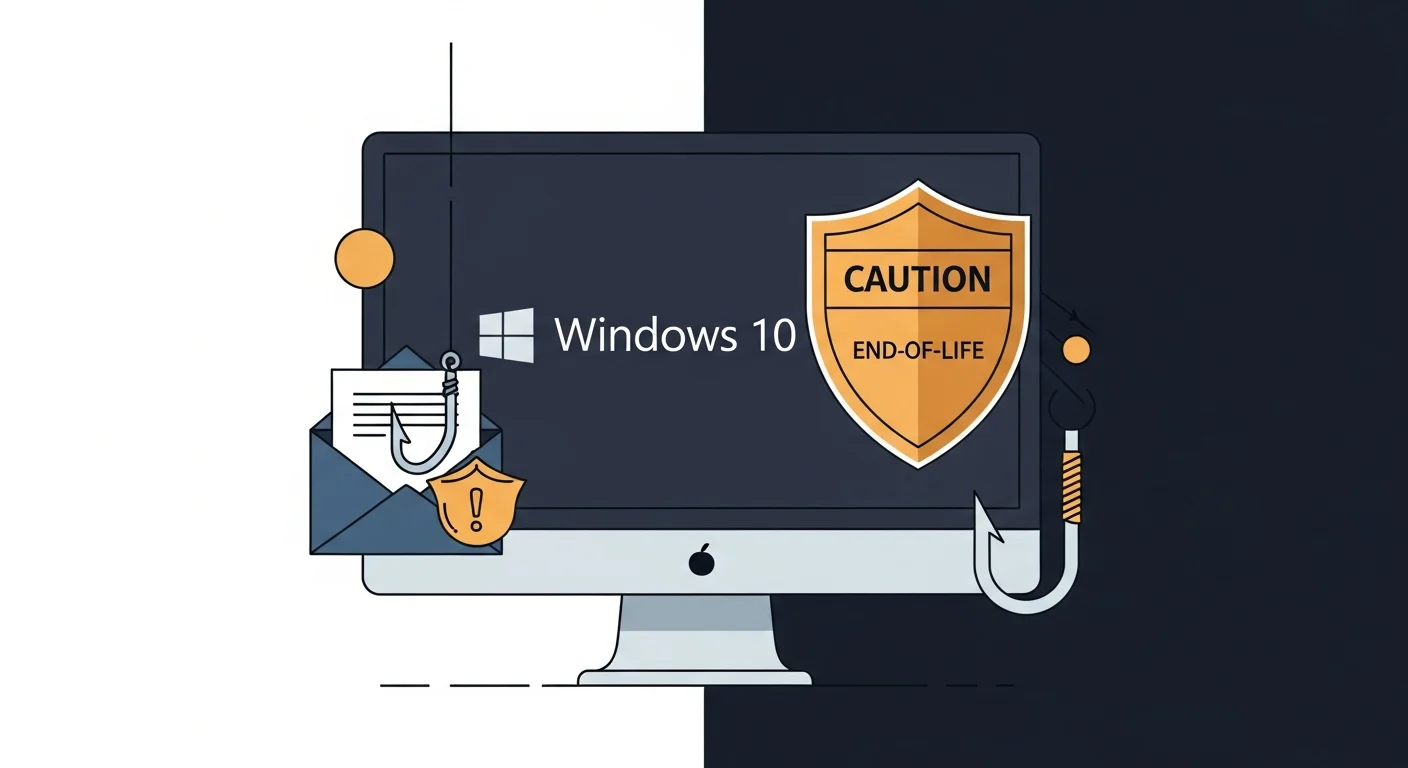
Two things are true right now for a lot of small businesses.
One: they’re still running Windows 10 on at least some of their computers.
Two: phishing emails are still arriving in their inboxes every single day.
Separately, each of those is a manageable problem. Together, they give an attacker a wide-open path — and most business owners don’t realize it yet.
What “end of support” actually means
Microsoft ended support for Windows 10 on October 14, 2025.
That doesn’t mean Windows 10 stops working. Your computer still turns on. Your files are still there. Everything looks the same.
What it means is that Microsoft is no longer releasing security patches for it. When researchers discover a new vulnerability in the operating system — and they find new ones every month — there’s no fix coming. The hole just stays open.
That’s the part people miss. End of support isn’t a switch that gets flipped. It’s a slow exposure. Every week that passes, there are more known vulnerabilities with no patches, and more people who know about them.
Where phishing comes in
A phishing email on its own is a problem your defences can usually handle.
Modern email filters catch a lot of them. And even when one gets through, clicking a bad link or opening a malicious attachment doesn’t automatically mean disaster — a fully patched, up-to-date operating system has layers of protection that can contain the damage.
But on an unpatched Windows 10 machine? Those layers start to disappear.
Attackers specifically target known vulnerabilities in end-of-life software. They know exactly which holes are open. A phishing email that delivers malware through one of those holes has a much easier path — and a much better chance of doing serious damage before anyone notices.
Ransomware. Credential theft. Remote access by someone who shouldn’t have it. These aren’t hypothetical risks. They’re what happens when a well-crafted phishing email lands on a machine that hasn’t had a security update since last October.
What this looks like in practice
Imagine one of your employees gets an email that looks like it’s from Canada Post — a missed delivery notice, click here to reschedule. It’s convincing. They click.
On a patched Windows 11 machine, the malicious code hits a wall. On an unpatched Windows 10 machine, it finds the door open.
That’s not a worst-case scenario. That’s Tuesday.
What to do about it
The good news: this is a solvable problem.
If you’re still on Windows 10, the priority is upgrading to Windows 11. Most computers bought in the last four or five years can handle the upgrade — it’s often just a matter of checking compatibility and making time for it. Older machines may need replacing, but you don’t necessarily have to do everything at once.
In the meantime, make sure your antivirus and endpoint protection software is up to date and actively monitored. It won’t fully compensate for a missing OS, but it helps.
On the phishing side, the best defence is still a combination of good email filtering and staff who know what to look for. Skepticism about unexpected emails — even ones that look real — goes a long way.
And if you’re not sure what your team is running, or whether your machines are eligible for Windows 11, that’s a good conversation to have before something goes wrong rather than after.
Patched systems, monitored endpoints, and phishing-aware staff are the three legs of the cybersecurity protection we build for clients — so a single bad click doesn’t turn into a full-blown incident.
If you’ve got computers in your office that haven’t been updated since last year, we can take a look and tell you exactly where you stand. No obligation — just a straight answer. Book a free call here.