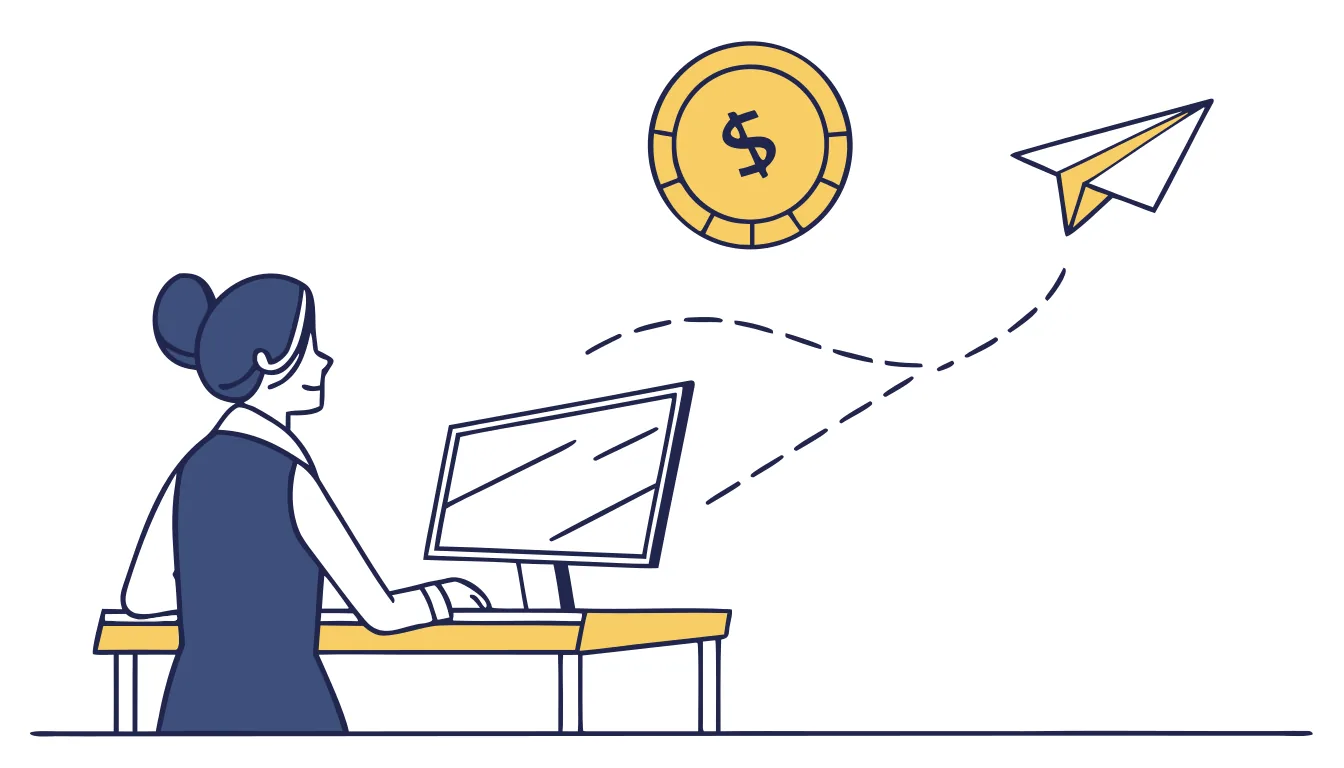
Late on Friday afternoon, an email arrives from “the owner” — out at a meeting, can’t talk, needs a vendor payment sent today before the account gets suspended. The tone is right. The signature is right. The request is urgent but not unreasonable; e-transfers happen often enough. The bookkeeper has the bank portal open before she stops to think about it.
Nothing in that email was malware. No link, no attachment, nothing a spam filter would catch. Just a convincing message at exactly the moment someone was primed to act fast.
Why this keeps working
Business email compromise — often called CEO fraud when the sender poses as the boss — doesn’t try to break into your systems; it tries to sound like someone you already trust. The FBI’s 2025 Internet Crime Report puts business email compromise losses at $3.047 billion US (about $4.45 billion CAD) across 24,768 reported incidents that year, making it the second most financially destructive crime type the FBI tracks, behind only investment fraud. The average reported loss per incident: roughly $123,000 US, about $180,000 CAD.
It’s that much because this scam skips every technical safeguard. Often there’s no malicious link to flag and no infected attachment to quarantine — just a simple email exploiting trust and timing instead. Filters built to catch malware were never built to catch a well-written sentence.
It’s not just an American problem; it’s worldwide. Here in Canada, the RCMP calls business email compromise one of the most financially damaging online crimes, and its first piece of advice is this: confirm any payment request through another channel, such as a phone call, never by email alone.
How the deception works
It’s rarely a random guess. Whoever sends it has usually done some homework first — a company website with an executive’s name and title, a LinkedIn post about being “out of office at a conference,” an email thread pulled from a previously compromised account showing exactly how that person writes. The message that arrives isn’t a generic scam. It’s built to match.
The request itself is almost always one of three things: a money transfer, a change to where an existing vendor gets paid, or updated banking details for a “new” account. All three send money out the door in ways that don’t ask many questions — 86% of the payments lost to this scam move by wire or ACH transfer, both fast out of your account and hard to recover after the first day or two.
Ways to stop it
Not a better spam filter — this gets past most of those by design. What works is a verification step that doesn’t rely on the same path the original request came through:
A callback rule. Any request to send money or change payment details needs to be confirmed by phone, using a number already on file — never a number provided in the email itself.
A second set of eyes. Payment changes and money transfers above a set amount need a second person’s sign-off before they go out, no exceptions for “the boss said it’s urgent.”
Slower on urgency, not faster. The pressure to act immediately is what gives it away, not a reason to skip the check. A legitimate request can wait five minutes for verification. A scam usually doesn’t want to give you those five minutes.
Email authentication (DMARC) and phishing-aware filtering catch some of the deception — spoofed domains, lookalike addresses — but the final check is always a person who knows to verify before they click send on a transfer.
If your team handles payments or vendor changes over email, we can walk through your verification steps — as part of our cybersecurity services. Book a free 15-minute discovery call and we’ll help you fix what’s missing before it costs you.