“Managed IT” is one of those phrases that means everything and nothing at the same time.
Ask three IT companies what’s included and you’ll get three different answers. Some bundle everything. Some charge extra for anything that moves. And if you’re a small business owner trying to compare options, it can feel like you’re reading the fine print on a cellphone plan.
Let me tell you what it typically means — and what to watch for.
The core of managed IT
At its heart, managed IT means someone is watching over your systems on an ongoing basis instead of waiting for you to call when something breaks. That usually includes:
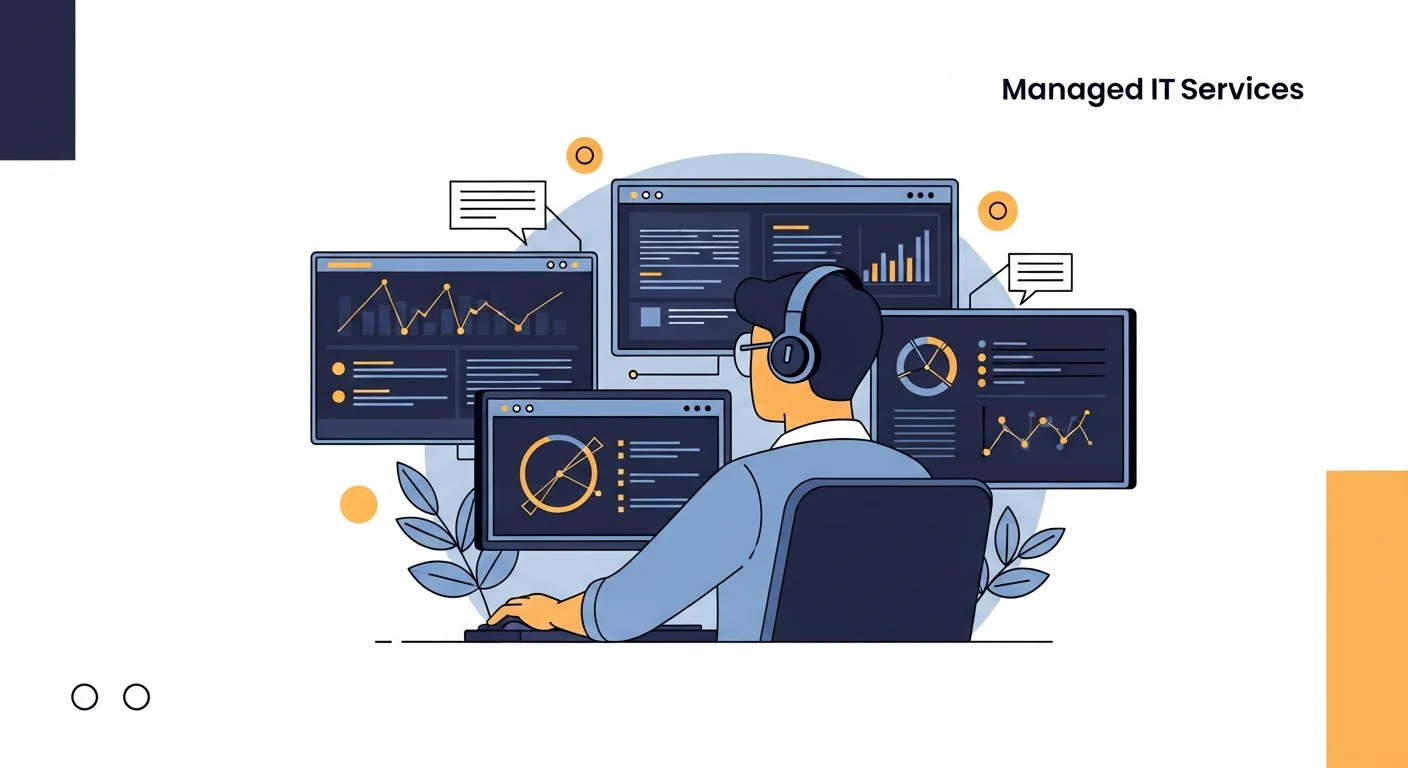
Monitoring and alerting. Your systems — servers, workstations, network devices — are being watched 24/7 by software that flags problems before they become outages. Disk filling up? Hard drive throwing errors? Someone knows before you do.
Patch management. Windows updates, software updates, security patches — applied on a regular schedule, not when someone remembers. This one matters more than people realize. Outdated software is one of the most common ways attackers get into a business.
Helpdesk support. When someone can’t print, their email won’t load, or they got locked out of their account — there’s someone to reach. Good providers pre-arrange the response time and method with you before anything goes wrong: whether that’s a text, an email, a phone call, or direct remote access to work through the problem with the person affected. You shouldn’t be figuring that out in the middle of a crisis.
Endpoint security. Antivirus and anti-malware aren’t optional anymore. A managed IT provider keeps these tools deployed, updated, and monitored across every device on your network.
Backup monitoring. It’s not enough to set up a backup and hope. Someone should be checking that it’s running and that the files can be recovered. This is the one that saves people when disaster strikes.
What might be extra
Every provider is different, but these are often add-ons rather than included:
- On-site visits (some include a set number per month, others bill separately)
- Major hardware procurement and setup
- New employee onboarding beyond a certain scope
- Software licensing (Microsoft 365, for example)
- After-hours emergency response
Don’t assume. Ask specifically what’s covered before you sign anything.
What managed IT is not
It’s not a magic fix. If your fifteen-year-old server is held together with hope and a prayer, managed IT won’t change that — it’ll just mean someone’s watching it fail more carefully.
It’s also not the same as outsourcing your IT decisions. Good managed IT providers advise you, but the business decisions still belong to you. The best ones tell you what they’d recommend and why, and then let you decide.
How pricing usually works
Most providers price by the device or by the user — a flat monthly fee that covers everything in scope. Some are moving toward outcome-based models where the pricing reflects the results, not just the number of machines. Either way, you’re trading unpredictable repair bills for a predictable monthly cost.
For small businesses, that predictability alone is often worth it.
Is it right for you?
Not every business needs managed IT. If you have five employees, simple tech, and a nephew who handles the occasional problem, that might be fine for now.
But if your team depends on technology to do their jobs, if a day of downtime would cost you real money, or if you’ve had security scares you’d rather not repeat — it’s worth having the conversation.
That’s the exact model behind our own managed IT services — monitoring, patching, backup checks, and support, all under one predictable plan.
Book a free discovery call and we’ll tell you what we think. Even if managed IT isn’t the right fit, you’ll leave with a clearer picture of where your systems stand.