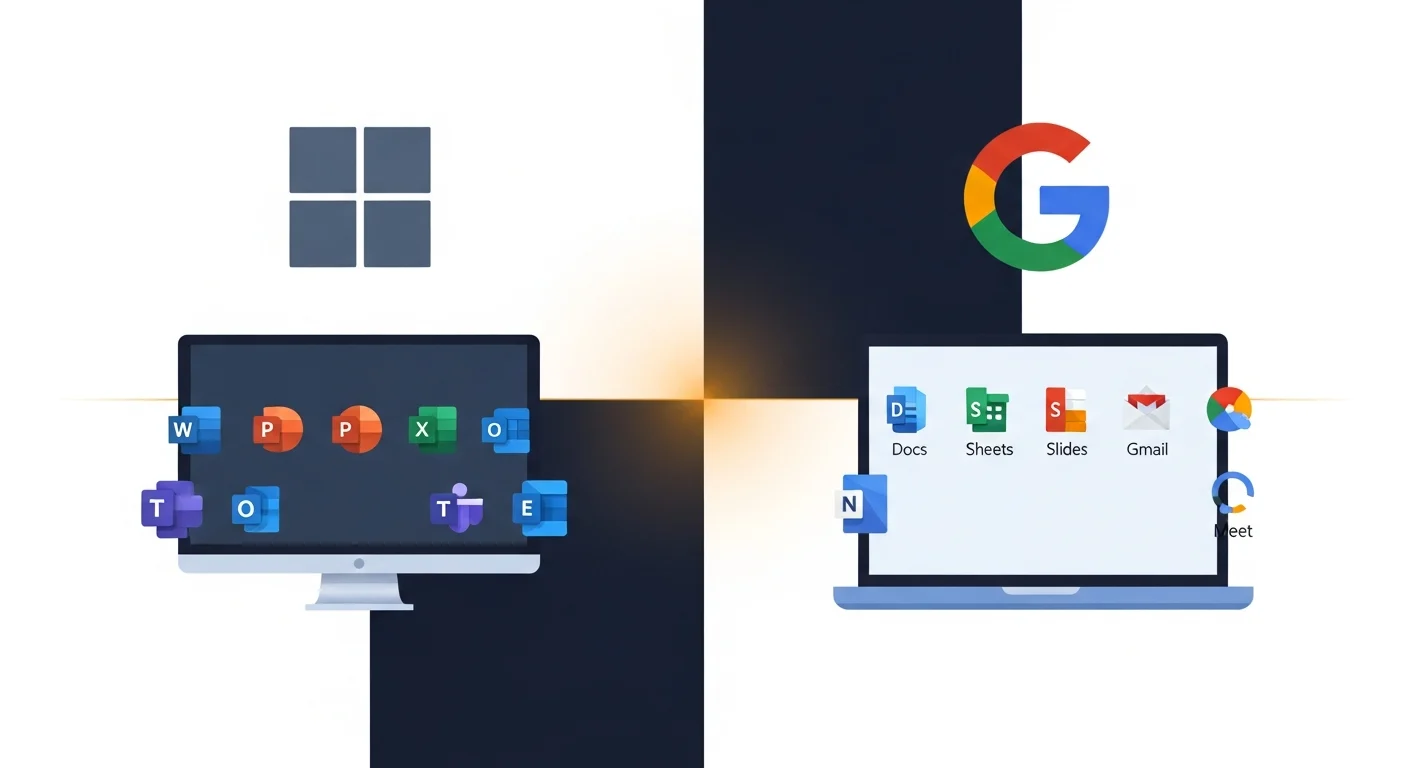
This comes up a lot. A business is ready to move to cloud email and collaboration tools, and the question is always the same: Microsoft or Google?
The honest answer? Both are good. Neither is perfect. The right choice depends on how your business actually works.
Here’s the practical breakdown.
What you’re actually choosing between
Both platforms give you:
- Business email with your own domain
- Cloud file storage and sharing
- Word processing, spreadsheets, and presentations
- Video meetings
- Team chat and collaboration
The differences are in how they do it and what they prioritize.
Where Microsoft 365 wins
Desktop applications. If your team lives in Word, Excel, and Outlook — the real desktop versions — Microsoft 365 is the obvious choice. Google’s web-based editors are solid, but they’re not the same. Complex Excel spreadsheets with macros, advanced formatting in Word documents, and Outlook’s email management features don’t have exact Google equivalents.
Integration with existing tools. Most business software plays nicely with Microsoft. Your accounting software, your CRM, your industry-specific tools — they almost certainly integrate with Outlook and the Microsoft ecosystem. That matters more than people think.
File management. OneDrive and SharePoint give you more structure and control over how files are organized, shared, and secured — especially as your team grows.
Familiarity. Most people learned to use computers on Microsoft products. There’s less retraining involved, which saves time and reduces frustration.
Where Google Workspace wins
Simplicity. Google’s tools are clean, fast, and easy to learn. If your team mostly writes documents, sends email, and needs to collaborate in real time, Google makes it effortless.
Real-time collaboration. Google Docs was built for multiple people working on the same document at the same time. Microsoft has caught up significantly, but Google still feels more natural for this.
Web-first design. Everything runs in the browser. No software to install, no updates to manage, no compatibility issues between versions. If your team uses Chromebooks or works primarily in a browser, Google is seamless.
Price at the low end. Google’s starter plan is a bit cheaper than Microsoft’s equivalent, though the difference narrows at higher tiers.
The questions that actually decide it
Forget the feature comparison charts. Here’s what matters in practice:
Does your team use Excel seriously? Not just for simple lists — real spreadsheets with formulas, pivot tables, macros. If yes, Microsoft. Google Sheets hits a ceiling with complex work.
Do you need to share files with people who use Microsoft? Most of the business world runs on Microsoft. If you’re constantly exporting Google Docs to Word format for clients or vendors, that friction adds up.
How tech-savvy is your team? Google is easier to learn from scratch. Microsoft has more power but more complexity. Be honest about where your team is.
What do you already use? Migration has a cost — in time, in retraining, in things that break along the way. If you’re already on one platform and it’s mostly working, think carefully before switching.
What we recommend for most of the businesses we work with
For most of the businesses we work with — 5 to 50 people, office-based or hybrid, dealing with other local businesses — Microsoft 365 is usually the better fit. Not because it’s better in the abstract, but because it matches how most of our clients work: Microsoft-centric vendors, complex documents, Outlook-dependent workflows.
That said, we’ve set up plenty of businesses on Google Workspace and they’re thriving. If your team is small, web-native, and doesn’t need heavy Excel or Outlook, Google might be the simpler, cheaper path.
Whichever platform you land on, remember that neither Microsoft nor Google backs up your data by default — deleted files and mailboxes have short retention windows. If you go the Microsoft 365 route, our Microsoft 365 backup service covers that gap.
Not sure which way to go?
Book a free call and we’ll talk through how your team works, what you’re using now, and what makes sense. No sales pitch for either platform — just an honest recommendation.