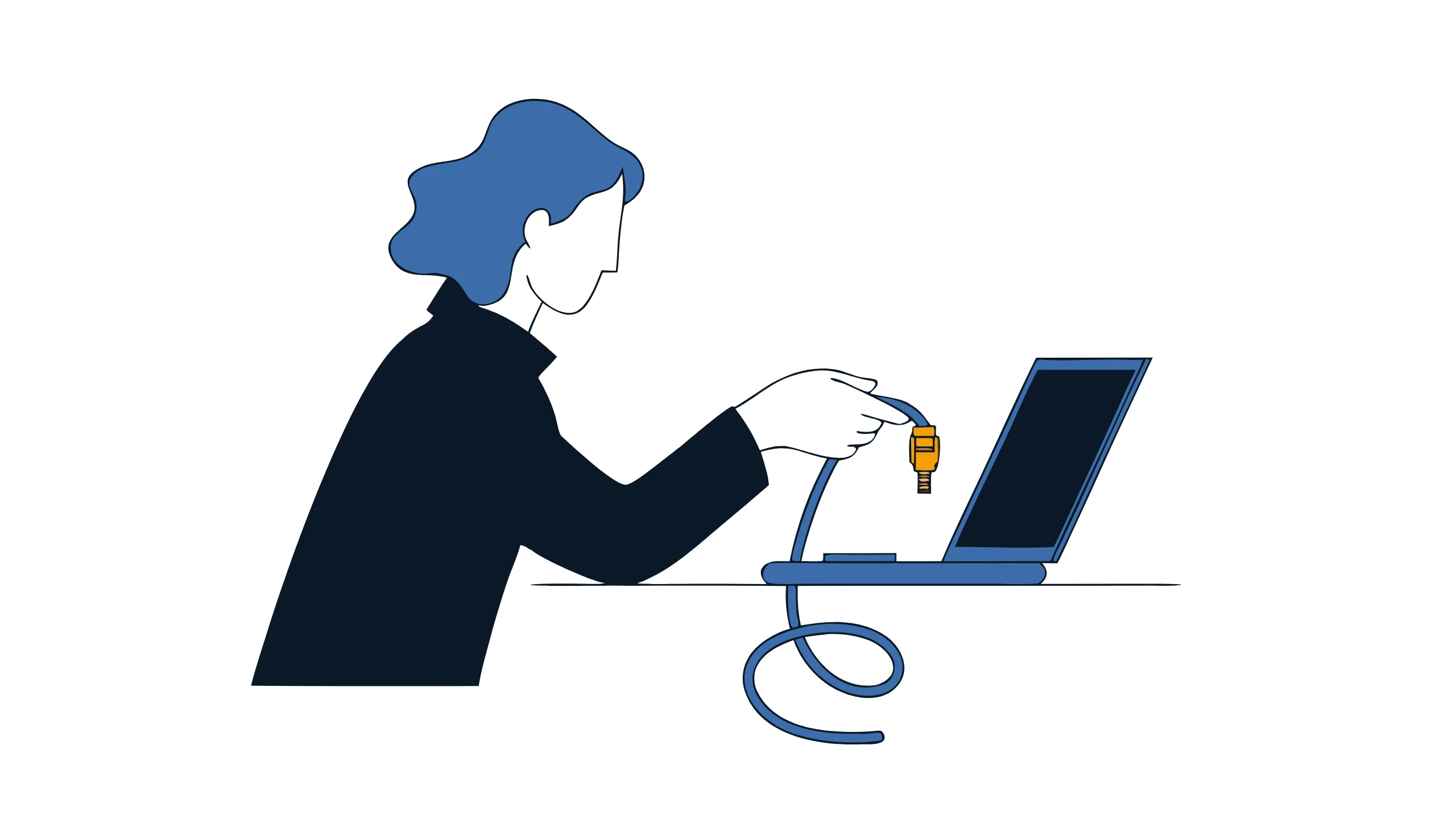
The fan’s running loud for no reason. The browser homepage has changed from what it was. A program opens on its own. This begs the question everyone eventually asks: “Do I have a virus?”
Most of the time, the answer is no — an old machine with too many browser tabs open. But sometimes it’s yes, and the two can look similar enough to guess wrong.
Why it could be an infection
A slow computer on its own means almost nothing — that’s age, clutter, or too many programs starting up with Windows. What’s worth paying attention to is a *change*, something that wasn’t happening last week and started happening this week:
Security software turned itself off. Antivirus or firewall settings that switch off without anyone changing them are one of the more reliable signs something’s actively working to stay hidden.
Unusual network activity. The internet connection is busy when nothing should be using it — no downloads running, no video calls, nothing you can point to.
Password reset emails you didn’t request. A flood of “reset your password” or “new sign-in detected” emails, especially for accounts you rarely use, often means something is trying to get in — or already did.
Browser changes nobody made. A new homepage, a new default search engine, or a toolbar that showed up without an install prompt.
Programs launching themselves. Anything opening, closing, or typing without a hand on the keyboard is the clearest signal on this list, and the one to act on immediately.
Why this matters
In Canada, roughly 16% of businesses reported being affected by a cybersecurity incident in 2023, and the total spent recovering from those incidents hit $1.2 billion that year — double what it was two years earlier. Email is still one of the most common ways malware gets onto a device in the first place, which is why so many infections trace back to something that arrived in someone’s inbox.
When you’re not sure, take the computer off the network
Taking it offline first makes it much harder for anything to spread. A machine that’s offline can’t reach other computers over the network or send data out. A USB drive can still pass an infection to another computer, so don’t plug one in to save your work. How you cut the connection depends on how the computer connects, and some use both:
- Plugged in: pull the ethernet cable out of the computer.
- On Wi-Fi: on Windows, turn on Airplane mode from the network icon in the taskbar. It switches off Wi-Fi and Bluetooth, but it leaves a plugged-in cable connected, which is why a computer with both connections needs both steps.
If you’re not sure how it’s connected, do both.
Restarting over and over can wipe out the evidence. If something serious is going on, repeated restarts can erase the very trail that would explain what happened and how far it spread.
If you’re not sure, fixing it yourself can make things worse. A “virus removal tool” found through a quick search is a common way to do that — some of those tools are the same kind of problem they promise to solve.
Ask an IT professional to check it before you keep working. A machine that might be infected needs a proper check, not a patch-over so you can get back to work faster.
If something on your team’s computer doesn’t look right, book a call with us and we’ll take a look before anyone carries on working on it.